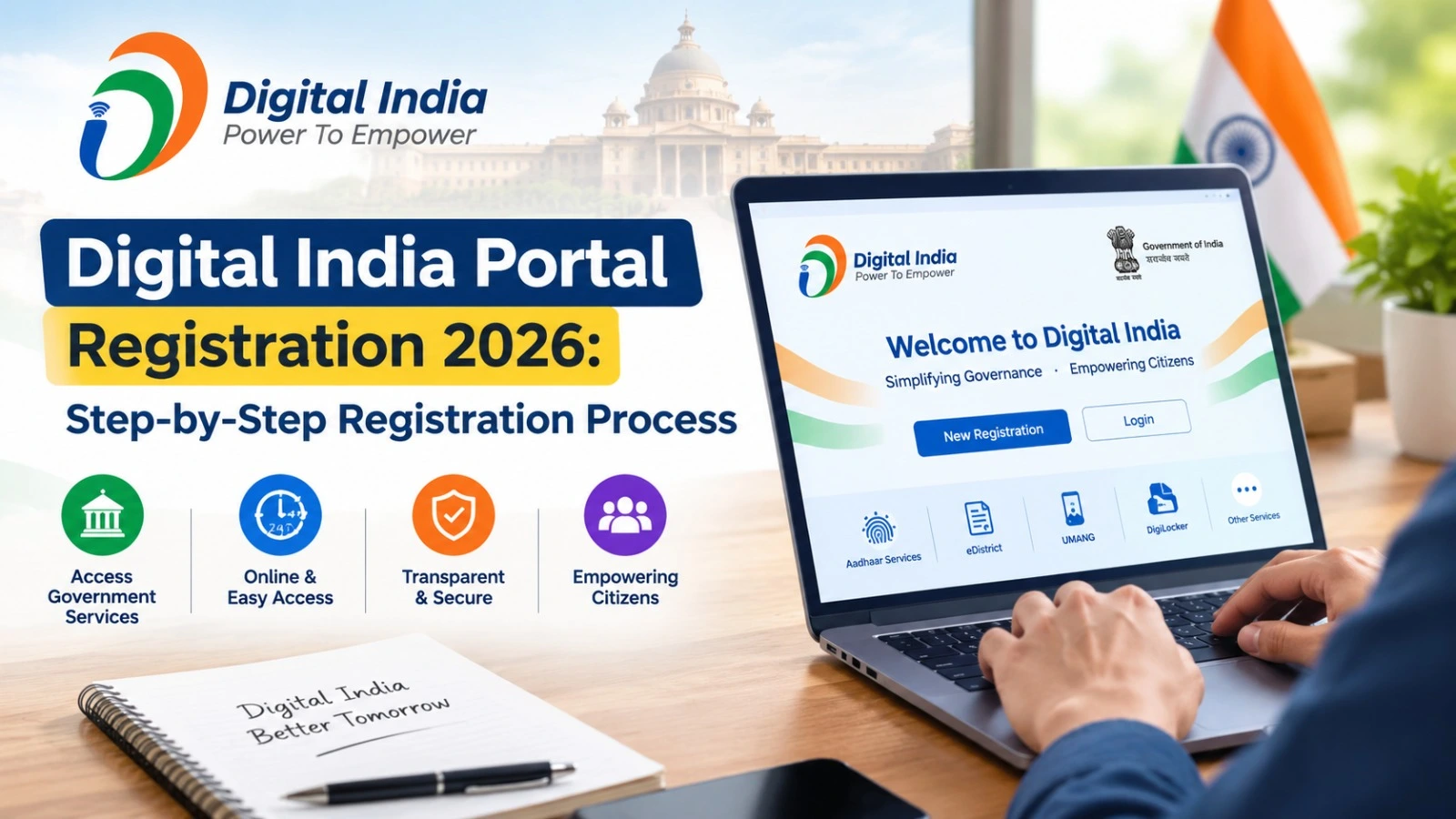
The Digital India Portal Registration 2026 process helps citizens find and access government services online. Through digital platforms, people can explore government schemes, search for public services, access official information and complete eligible applications without visiting multiple offices.
However, there is one important point to understand: Digital India is a government initiative, not a single registration portal for every service. The registration procedure depends on whether you want to apply for a government scheme, access a certificate service, use a digital document platform or complete another online application.
This guide explains how to find the correct portal, register for the required service and check your application status.
Digital India Portal Registration 2026: Overview
| Particular | Details |
| Initiative | Digital India |
| Launch date | 1 July 2015 |
| Main objective | Improve access to digital government services |
| Registration process | Depends on the selected service |
| Documents required | As specified by the relevant portal |
| Official website | digitalindia.gov.in |
| Government services | services.india.gov.in |
Official Websites for Digital India Registration
Before starting registration, identify the government department or service you need. These official websites can help you find the appropriate destination.
| Official portal | Purpose | Website |
| Digital India | Information about the initiative and its programmes | Visit website |
| National Portal of India | Government information and public services | Visit website |
| National Government Services Portal | Search for online government services | Visit website |
| myScheme | Explore government schemes and eligibility | Visit website |
| UMANG | Access supported government services | Visit website |
How to Complete Digital India Portal Registration 2026
Follow these steps to find the correct registration page and complete the process for your chosen service.
Step 1: Visit the Official Digital India Website
Open digitalindia.gov.in to learn about the initiative and its programmes. If you already know which service you need, proceed to the responsible department’s official website.
Step 2: Find the Required Government Service
Visit the National Government Services Portal and search using the service name or a relevant keyword. You can also visit myScheme to explore government schemes and review their eligibility conditions.
Step 3: Open the Registration Page
On the relevant service website, look for options such as Register, New User Registration, Sign Up or Create Account.
Some services require an account, while others allow citizens to access information without registration. Follow the instructions displayed on the official website.
Step 4: Enter Your Details
Complete the registration form with accurate information. Depending on the service, you may need to provide your name, mobile number, email address, date of birth or other requested details.
Provide Aadhaar or other identification information only when required by the relevant service.
Step 5: Verify Your Contact Details
If the portal sends an OTP to your registered mobile number or an email verification link, follow the instructions to complete verification. Never share an OTP or password with an unknown person.
Step 6: Upload Required Documents
Certain applications require supporting documents, such as identity proof, address proof, income certificates or educational records. Check the official document checklist before uploading files.
Not every portal requires documents during account registration.
Step 7: Submit and Save the Acknowledgement
Review your details carefully before submitting the form. If the website generates a registration number or application acknowledgement, save it for future reference.
Documents Required for Digital India Registration
There is no common document list for every Digital India service. Depending on your application, you may need a mobile number, email address, identity proof, address proof, income certificate or educational documents.
Read the relevant scheme guidelines before applying. Make sure your documents are valid, legible and within the file-size limits specified by the portal.
How to Log In After Registration
Once your account is created, return to the same official service website.
- Click Login or Sign In.
- Enter your registered credentials.
- Complete OTP verification if requested.
- Open your dashboard or application section.
- Check the application status if the service provides a tracking facility.
If you forget your password, use the official account recovery option rather than creating multiple accounts unnecessarily.
Common Registration Problems and Solutions
If you do not receive an OTP, check your mobile network and confirm that you entered the correct number. If a document upload fails, review the accepted file format and size. For login errors, use the portal’s password-reset facility.
If the website is temporarily unavailable, try again later. Avoid unofficial websites that promise guaranteed registration or scheme benefits in exchange for payment.
Frequently Asked Questions
Is Digital India Portal Registration 2026 free?
There is no universal registration fee for all Digital India services. Any applicable charges depend on the particular service. Check the official website before making a payment.
Can I apply for all government schemes through one portal?
No. Different schemes may have separate eligibility requirements and application procedures. The myScheme portal helps users discover schemes, but applications may need to be submitted through the responsible department.
Is Aadhaar mandatory for registration?
Aadhaar is not universally mandatory for every Digital India service. Follow the identity-verification requirements specified by the relevant portal.
How can I check my application status?
Log in to the service website and look for an option such as Application Status or Track Application. Keep your acknowledgement number available if required.
Important Information for Applicants
The Digital India Portal Registration 2026 process begins with selecting the correct government service. Use official websites, verify eligibility requirements and keep your registration details secure. Since procedures can differ between departments, always follow the latest instructions published by the responsible authority.
Disclaimer: Digital India Updates is an independent information website and is not affiliated with the Government of India. Verify registration requirements, fees and application deadlines on the relevant official website before applying.