

Introduction
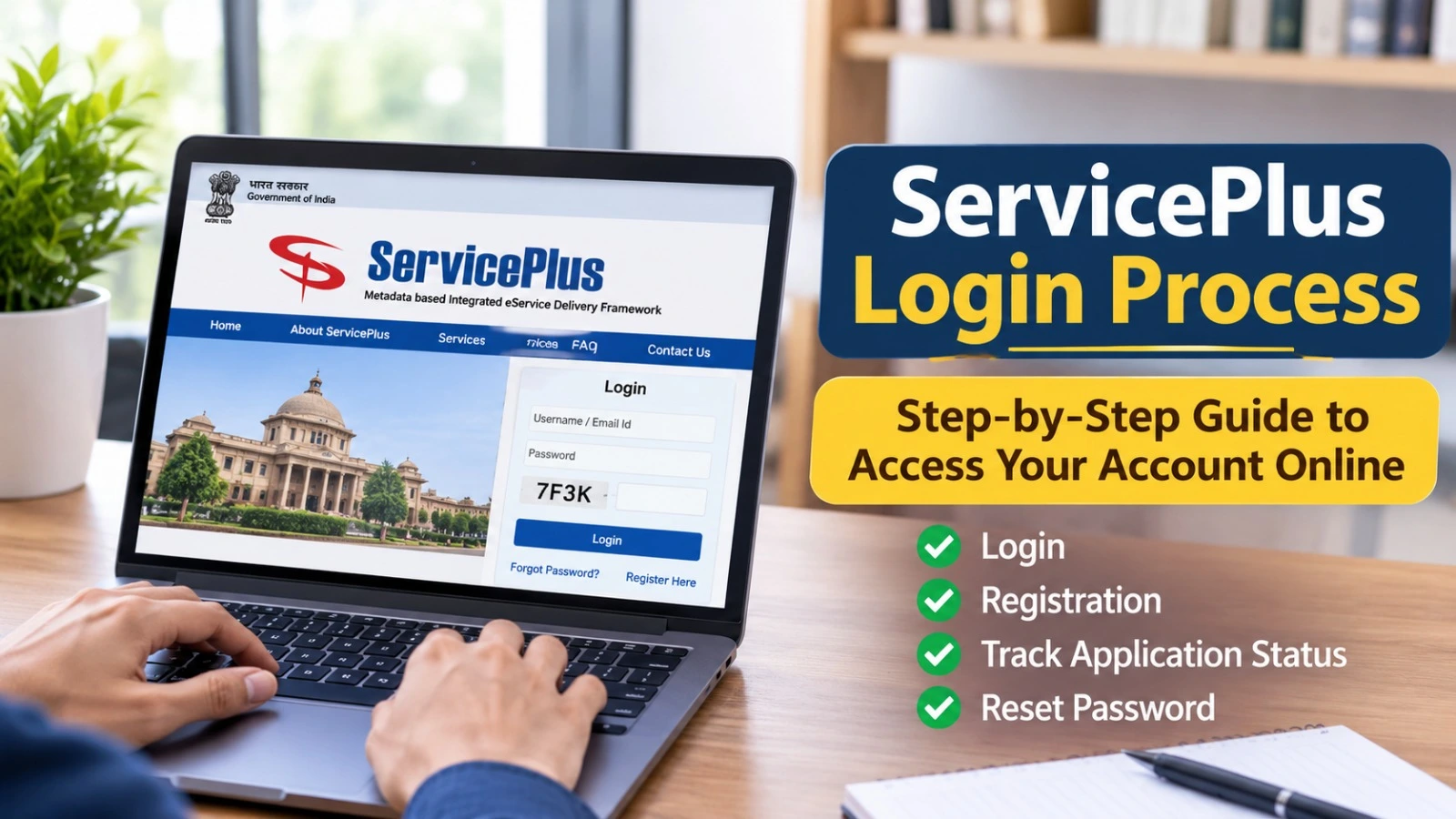
The ServicePlus Login process allows registered users to access government services through the official ServicePlus portal. Citizens can use the platform to explore online services, submit applications, track application status and check updates related to their requests.
ServicePlus is a digital service delivery platform associated with the National Informatics Centre (NIC). It helps participating government departments provide different services online. The available facilities may vary depending on the state and department.
If you want to access your account, register as a new user or check an application, this guide explains the important steps.
What Is the ServicePlus Portal?
ServicePlus is a unified digital platform designed to make government services more accessible to citizens. Through the portal, users can explore services offered by participating state governments and departments.
Depending on availability, these services may include income certificates, caste certificates, residence certificates, registrations and other government-related applications.
ServicePlus Portal: Important Details
| Details | Information |
| Portal Name | ServicePlus |
| Main Purpose | Online government services |
| Associated Organisation | National Informatics Centre (NIC) |
| Login Requirement | Registered account credentials |
| Registration | Online |
| Application Tracking | Available |
| Official Website | https://serviceonline.gov.in/ |
How to Complete ServicePlus Login
Registered users can follow these steps to access their accounts:
- Visit the official ServicePlus website.
- Find the Login option on the homepage.
- Enter your registered email ID or other requested login details.
- Enter your account password.
- Complete the CAPTCHA verification, if displayed.
- Check your login information carefully.
- Click the Login button.
- After successful authentication, access the available services through your account.
The login interface may differ across state-specific ServicePlus portals. Follow the instructions displayed on the official website.
How to Register on the ServicePlus Portal
New users who do not have an account may need to complete registration before using account-based facilities.
Follow these general steps:
- Open the official ServicePlus website.
- Select the Register Here option, if available.
- Enter the personal details requested in the registration form.
- Provide a valid email address and mobile number wherever required.
- Create your login credentials.
- Complete any verification requested.
- Submit the registration form.
After successful registration, return to the login page and use your account credentials to access the available services.
How to Reset ServicePlus Login Password
If you forget your password, use the available account recovery facility.
- Open the ServicePlus login page.
- Select Forgot Password.
- Enter your registered details as requested.
- Follow the password recovery instructions.
- Complete the required verification.
- Set a new password if prompted.
- Return to the login page and try again.
How to Check ServicePlus Application Status
Users can track submitted applications through the portal.
- Visit the official ServicePlus website.
- Select Track Application.
- Enter your Application Reference Number.
- Provide the Application Submission Date if requested.
- Submit the information.
- Check the application status displayed on the screen.
You may also find application tracking facilities after logging into your account.
Keep your application reference number safe for future updates.
Common ServicePlus Login Problems
| Login Issue | Possible Solution |
| Incorrect password | Re-enter your password |
| CAPTCHA error | Refresh and try again |
| Account not registered | Complete registration |
| Forgot password | Use password recovery |
| Website not opening | Check your internet connection |
| Login problem | Follow official support instructions |
Never share your password or verification codes with unknown individuals.
Official ServicePlus Login Website
Users can access the official ServicePlus portal through the following link:
Official Website: https://serviceonline.gov.in/
Always check the website address before entering personal information. Available services and application requirements depend on the concerned state and department.
Frequently Asked Questions
How can I complete ServicePlus Login?
Visit the official portal, select Login, enter your registered credentials and complete the required verification.
Is registration necessary for ServicePlus Login?
New users may need to register before accessing account-based services.
How can I recover my ServicePlus password?
Use the Forgot Password option and follow the instructions displayed on the official portal.
How can I check my ServicePlus application status?
Use the Track Application facility and provide your application reference number and other requested details.
Is ServicePlus available across different states?
The platform supports services from participating states and departments. Individual service availability may vary.
The ServicePlus portal makes it easier for citizens to explore participating government services online. Visit the official website for updated login instructions, registration information and application-related services.