

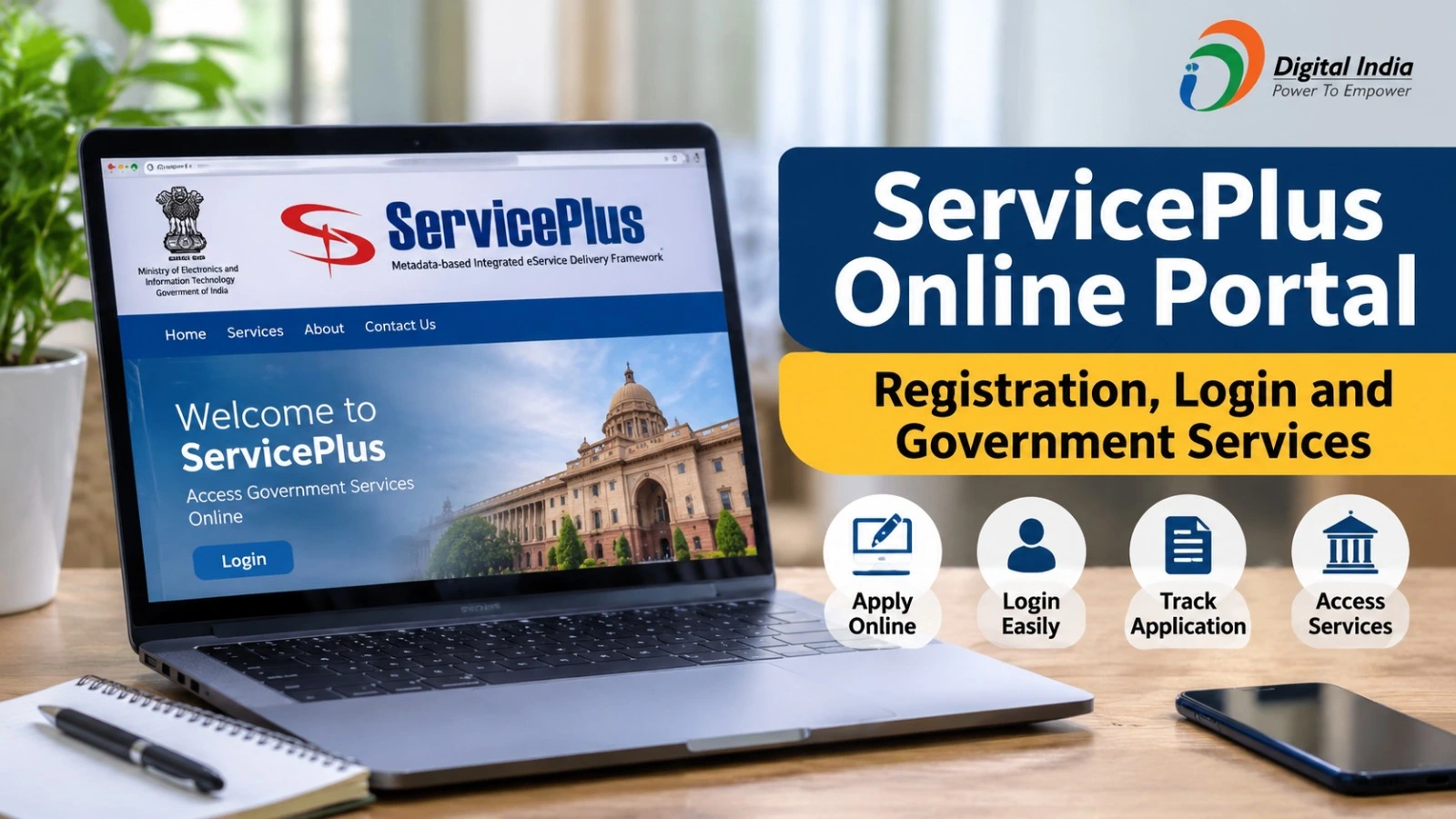
The ServicePlus Online Portal is a digital platform that allows citizens to access various government services online. It helps people find available services, submit applications and track their application status without having to visit multiple government offices.
The platform supports online service delivery through participating state governments and departments. Citizens can explore the services available in their state and follow the required application procedure through the official website.
In this article, learn about ServicePlus registration, login, government services, online applications and application status tracking.
What Is the ServicePlus Online Portal?
ServicePlus is an e-governance platform developed to make government services more accessible through digital channels. It is supported by the National Informatics Centre (NIC), Government of India.
The platform provides a common system for participating government departments to offer services online. Depending on the state and department, citizens can access different services, submit applications and receive updates about their requests.
ServicePlus Portal Details
| Particulars | Details |
| Portal Name | ServicePlus |
| Official Website | https://serviceonline.gov.in/ |
| Technical Support | National Informatics Centre |
| Main Purpose | Online government services |
| Registration | Online |
| Login | Available |
| Application Tracking | Available |
| Service Availability | State and department-wise |
Government Services Available on ServicePlus
The ServicePlus portal offers access to different government services through participating departments. The available options may vary depending on the applicant’s state.
Some categories include:
- Certificate Services: Selected government certificate applications.
- Revenue Services: Services offered by participating revenue departments.
- Social Welfare Services: Applications for eligible welfare-related services.
- Education Services: Selected services provided by education departments.
- Labour Services: Services offered by participating labour departments.
- Other Services: Additional services introduced by government departments.
Applicants should check the official website to find services available in their location.
How to Register on the ServicePlus Portal
Citizens can create an account through the official portal to access services that require registration.
Follow these steps:
- Visit https://serviceonline.gov.in/.
- Click on the Register Here option.
- Enter the required personal and contact details.
- Complete the verification process, if requested.
- Submit the registration form.
- Use your registered credentials to access your account.
Keep your registered mobile number and email address available for verification and future communication.
ServicePlus Login Process
Registered users can log in to access available services and manage their applications.
- Open the official ServicePlus website.
- Select the Login option.
- Enter your registered username and password.
- Complete the security verification, if required.
- Submit the details to access your account.
If you forget your password, select the Forgot Password option and follow the instructions provided on the portal.
How to Apply for Government Services Online
After logging in, applicants can search for the required service and submit an application online.
- Log in to the ServicePlus portal.
- Select Apply for Services.
- Explore the available service list.
- Choose the required government service.
- Read the eligibility and document requirements.
- Fill in the application form.
- Upload the required documents.
- Pay the applicable fee, if required.
- Review the information and submit the application.
Save your application reference number for future tracking.
How to Check ServicePlus Application Status
Applicants can check the progress of their submitted applications online.
- Visit the official ServicePlus website.
- Select the Track Application option.
- Enter your application reference number.
- Provide the other requested details.
- Complete the verification process.
- Submit the information to view your application status.
The status information helps applicants understand whether their application is pending, under processing or completed.
Important ServicePlus Portal Links
| Purpose | Official Link |
| Official Website | https://serviceonline.gov.in/ |
| Registration | Register Here on homepage |
| Login | Login on homepage |
| Application Status | Track Application on homepage |
Frequently Asked Questions (FAQs)
What is the official website of ServicePlus?
The official website is https://serviceonline.gov.in/.
Is ServicePlus registration free?
Account registration is available online. However, individual government services may have applicable fees.
Can I apply for government services online?
Yes. You can apply for services available through participating government departments.
How can I track my application?
Use the Track Application option and enter your application reference number and other requested details.
Are all government services available in every state?
No. Available services depend on the participating state and department.
Conclusion
The ServicePlus Online Portal provides a convenient way for citizens to access participating government services digitally. From registration and login to submitting applications and checking application status, the platform helps simplify access to government services.
Before applying, check the eligibility conditions, required documents and applicable fees. Always use the official website for reliable information and application updates.