

Jeevan Pramaan ID 2025: Create Your Digital Life Certificate in 2 Minutes — Full Mobile Guide
Introduction
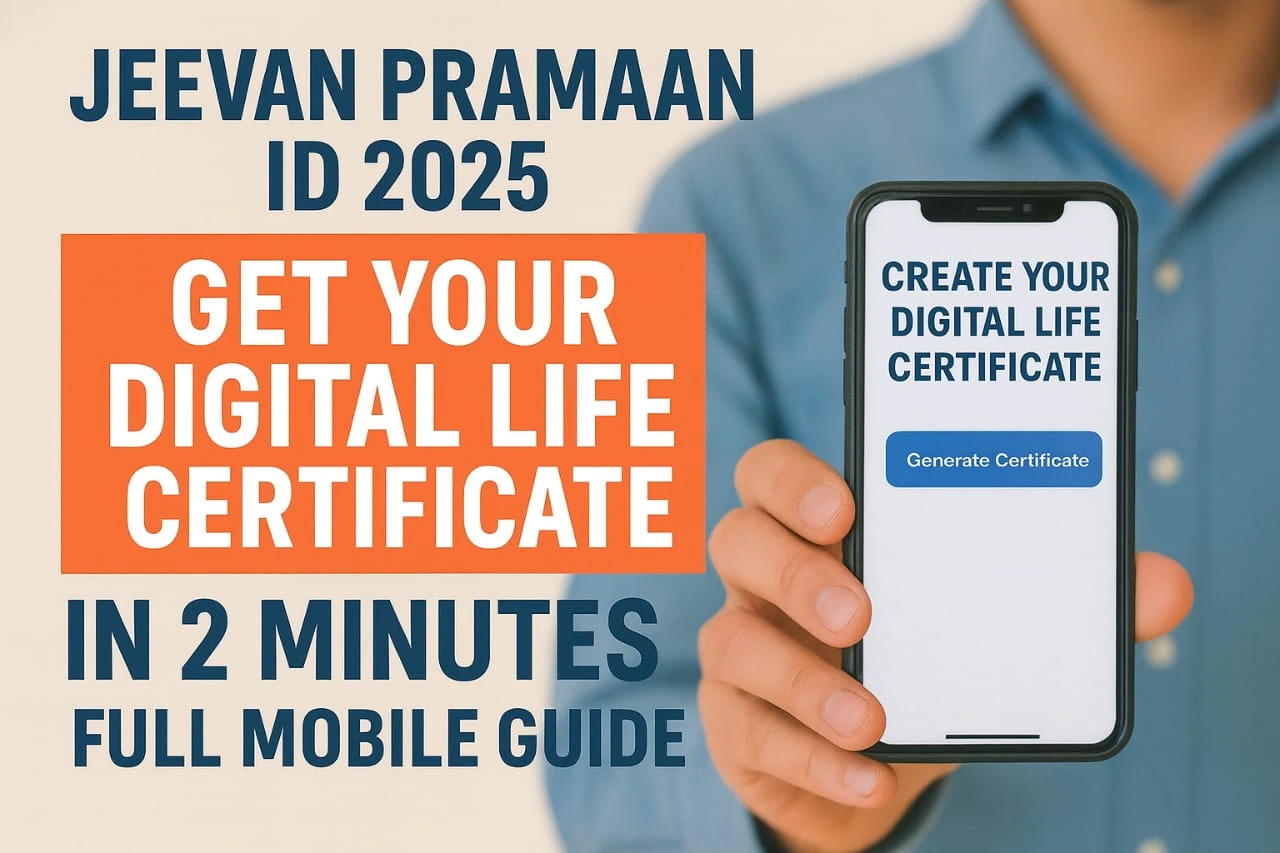
For millions of pensioners across India, submitting a yearly Life Certificate is essential to continue receiving pension benefits. Until a few years ago, this required standing in long queues at banks, post offices, or government offices. But now, with Jeevan Pramaan ID 2025, pensioners can generate a Digital Life Certificate (DLC) from their mobile in just 2 minutes, without visiting any office.
This guide explains what Jeevan Pramaan is, eligibility, documents required, and a step-by-step mobile guide to create your own Digital Life Certificate in 2025.
⭐ What Is Jeevan Pramaan ID 2025?
Jeevan Pramaan (Digital Life Certificate) is a biometric-based online service launched by the Government of India that allows pensioners to verify their life status digitally. Once the DLC is generated, it is automatically available to your pension-disbursing agency (bank, post office, or government department).
✔ No physical visit required
✔ No form submission
✔ Completely digital
The 2025 version brings improved biometric accuracy, a simplified app interface, and faster certificate processing.
👴 Who Can Apply for Jeevan Pramaan ID 2025?
Jeevan Pramaan is available to:
- Central Government Pensioners
- State Government Pensioners
- Defence Pensioners
- PSU Pensioners
- EPFO Pensioners
- Family pensioners
Anyone receiving a government pension can generate their Digital Life Certificate using this system.
📄 Documents Required for Jeevan Pramaan ID 2025
Before beginning, keep the following ready:
- Aadhaar Number
- Registered Mobile Number
- PPO Number (Pension Payment Order)
- Bank Account Details
- Pension Sanctioning Authority (PSA) Name
- Biometric (Fingerprint or IRIS)
📱 How to Generate Jeevan Pramaan ID 2025 Using Mobile (2 Minutes Guide)
Here is the simplest and fastest step-by-step guide:
Step 1: Download the Official Jeevan Pramaan App
Go to:
- Google Play Store → Search “Jeevan Pramaan”
- Download the app developed by Government of India
Make sure the developer name is correct to avoid fake apps.
Step 2: Connect a Biometric Device
Jeevan Pramaan requires fingerprint or IRIS authentication.
Supported devices:
- Mantra MFS100
- Morpho MSO1300
- SecuGen Hamster Pro
- Iris devices like Iritech
Connect via OTG cable or Bluetooth (as supported).
Step 3: Register Your Pensioner Details
Open the app → Click on ‘Generate Life Certificate’
Enter the following:
- Aadhaar Number
- Mobile Number
- Pensioner Name
- PPO Number
- Type of Pension (Self / Family)
- Bank or Department Details
After filling in, press ‘Send OTP’
Enter the OTP received on your mobile.
Step 4: Biometric Authentication
Place your fingerprint on the scanner or use IRIS scan.
The system will verify:
- Aadhaar authentication
- Pensioner identity
- Pension record mapping
Within seconds, the biometric verification gets approved.
Step 5: Download Your Digital Life Certificate (DLC)
Once biometric verification is successful:
✔ Your Jeevan Pramaan ID is generated
✔ The Digital Life Certificate is sent to your pension agency
✔ You can download the certificate in PDF
The screen shows:
- Pramaan ID
- Date & Time
- Certificate Status
- Download Option
💡 What IsJeevan Pramaan ID 2025?
Jeevan Pramaan ID is a unique 12-digit number issued after generation of the Digital Life Certificate.
This ID is used to:
- Track your certificate status
- Download certificate later
- Share with your pension disbursing authority
- Verify submission history
🔍 How to Check Your Jeevan Pramaan Status
Visit: https://jeevanpramaan.gov.in
→ Click ‘Certificate Status’
→ Enter your Pramaan ID
You will instantly see whether your pension office has received your DLC.
🕒 When Should You Submit the Life Certificate in 2025?
The government generally allows pensioners to submit DLC between:
1 November – 30 November every year
But for those above 80 years, the window starts:
1 October
Since it’s digital, you can generate the certificate anytime using your mobile.
🎯 Benefits of Jeevan Pramaan ID 2025
- Submit Life Certificate from home
- No need to visit bank/post office
- Works on mobile, desktop, and kiosk
- Faster Aadhaar biometric authentication
- Secure digital record
- Easily downloadable
This makes the pension process simpler, faster, and more transparent.
🔒 Is the DLC Safe?
Yes. Jeevan Pramaan uses:
- Encrypted Aadhaar authentication
- UIDAI biometric verification
- Secure government servers
Your data remains protected under government guidelines.
📝 Final Words
Jeevan Pramaan ID 2025 is a remarkable initiative that eliminates hassle for pensioners. With a mobile phone and fingerprint scanner, you can generate your Digital Life Certificate in just 2 minutes from anywhere.
This digital system ensures zero paperwork, zero travel, and 100% convenience for pensioners.
If you’re a pensioner or helping someone who is, follow this guide and generate your DLC instantly.
for more updates and latest opportunities visit here