Introduction
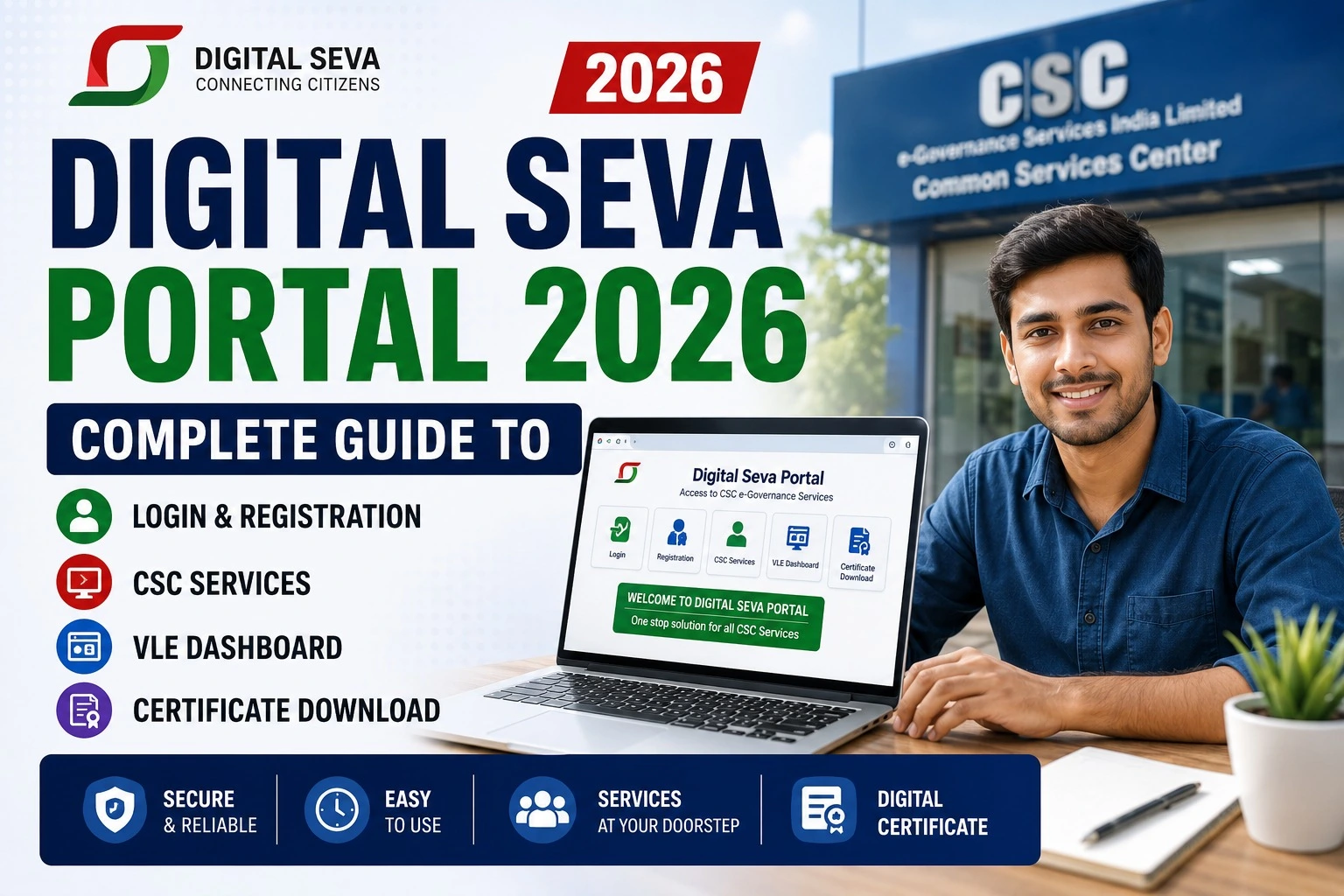
The Digital Seva Portal has become one of the most important digital platforms for Common Service Centre (CSC) operators, Village Level Entrepreneurs (VLEs), and citizens across India. Through this portal, users can access hundreds of government and digital services from a single dashboard.
Whether you want to register as a CSC VLE, log in to your Digital Seva account, download certificates, or understand the available services, this guide covers everything you need in simple language.
What is the Digital Seva Portal?
The Digital Seva Portal is the official online platform managed by CSC e-Governance Services India Limited under the Ministry of Electronics & Information Technology (MeitY).
It enables Village Level Entrepreneurs (VLEs) to deliver various government, financial, educational, healthcare, insurance, and digital services to citizens, especially in rural and semi-urban India.
Today, lakhs of CSC centres across India use this platform every day.
Digital Seva Portal 2026 Overview
| Particular | Details |
| Portal Name | Digital Seva Portal |
| Managed By | CSC e-Governance Services India Ltd |
| Ministry | Ministry of Electronics & Information Technology |
| Beneficiaries | CSC VLEs & Indian Citizens |
| Services | 500+ Government & Digital Services |
| Registration | Online |
| Login | VLE ID & Password |
| Dashboard | Available |
| Certificate Download | Available for eligible services |
| Official Portal | https://digitalseva.csc.gov.in |
Main Features of Digital Seva Portal
The portal offers numerous services through a single dashboard.
Some major features include:
- CSC VLE Dashboard
- Aadhaar Services
- PAN Card Services
- Passport Services
- Banking & AEPS
- Insurance Services
- Pension Schemes
- Utility Bill Payments
- FASTag Services
- Digital Certificates
- Skill Development Programs
- PM Government Schemes
- Telemedicine Services
- Education Services
- GST Services
- Income Tax Services
These services continue to expand every year.
How to Login to Digital Seva Portal?
Logging into the Digital Seva Portal is simple if you already have a CSC ID.
Steps
- Visit the official Digital Seva Portal.
- Click Login.
- Enter your CSC ID or Username.
- Enter Password.
- Complete OTP (if required).
- Click Sign In.
Once logged in, you’ll reach the VLE Dashboard, where all available services are displayed.
Digital Seva Portal Registration Process
Only eligible applicants can register as a CSC VLE.
Registration Steps
- Open the official registration portal.
- Click Apply for CSC Registration.
- Enter Aadhaar Number.
- Verify Mobile Number.
- Fill personal information.
- Upload required documents.
- Submit the application.
- Wait for verification.
After approval, you’ll receive your CSC ID and login credentials.
Documents Required
Generally, applicants may need:
- Aadhaar Card
- PAN Card
- Passport Size Photograph
- Mobile Number
- Email ID
- Bank Account Details
- Address Proof
- Educational Qualification
- Shop or Centre Photograph
Document requirements may change depending on the registration category.
CSC VLE Dashboard
After login, the VLE Dashboard becomes the control panel for managing all services.
You can:
- Track applications
- Check commissions
- Access new services
- Download certificates
- View notifications
- Manage customer requests
- Update profile
- Monitor transactions
How to Download Digital Seva Certificates?
Many courses and training programs available through the Digital Seva ecosystem provide downloadable certificates.
Steps
- Login to Digital Seva Portal.
- Open Training or Certificates section.
- Select completed course.
- Click Download Certificate.
- Save the PDF.
Keep both digital and printed copies for future reference.
Popular CSC Services Available
| Service | Available |
| PAN Card | ✅ |
| Aadhaar Related Services | ✅ |
| Banking (AEPS) | ✅ |
| Insurance | ✅ |
| Passport Services | ✅ |
| Bill Payments | ✅ |
| Electricity Bills | ✅ |
| Water Bills | ✅ |
| FASTag | ✅ |
| Telemedicine | ✅ |
| Skill Development | ✅ |
| Education Services | ✅ |
| Pension Services | ✅ |
| Government Schemes | ✅ |
Benefits of Digital Seva Portal
Some major advantages include:
- Single platform for hundreds of services
- Supports Digital India Mission
- Generates employment opportunities
- Easy online application process
- Secure digital transactions
- Rural citizen empowerment
- Better access to government schemes
- Multiple earning opportunities for VLEs
- Transparent service delivery
- Time-saving digital platform
Common Issues During Login
Sometimes users may experience login problems.
Possible reasons include:
- Incorrect Password
- Browser Cache Issues
- OTP Delay
- Temporary Server Maintenance
- Expired Password
- Internet Connectivity Problems
Clearing browser cache or resetting the password usually resolves these issues.
Digital Seva Portal Important Links
| Service | Purpose |
| Digital Seva Portal Homepage | Login & Dashboard |
| CSC Registration Portal | Apply for New VLE Registration |
| Forgot Password | Reset Login Credentials |
| CSC Helpdesk | Technical Support |
| Certificate Section | Download Training Certificates |
Tip: Since official portal URLs may change over time, always access these services through the latest links available on the official CSC website.
Frequently Asked Questions (FAQs)
Is the Digital Seva Portal free to use?
Yes. Accessing the portal is free, though some services may involve official government or service-provider fees.
Who can register as a CSC VLE?
Eligible Indian citizens who meet CSC’s criteria and complete the verification process can apply.
Can I download certificates online?
Yes. Eligible training and certification programs provide downloadable PDF certificates through the portal.
Is Aadhaar required for registration?
Yes, Aadhaar verification is generally part of the registration process.
Can citizens directly use Digital Seva Portal?
Most citizen services are delivered through authorized CSC VLEs, while VLEs use the portal to process applications.
Conclusion
The Digital Seva Portal 2026 continues to play a vital role in expanding digital access to government and citizen services across India. With its secure login system, VLE dashboard, registration process, certificate downloads, and a wide range of CSC services, it serves as a one-stop platform for digital governance.
If you’re planning to become a CSC VLE or simply want to understand how the portal works, keeping track of official updates and using the latest portal features will help you make the most of the platform.