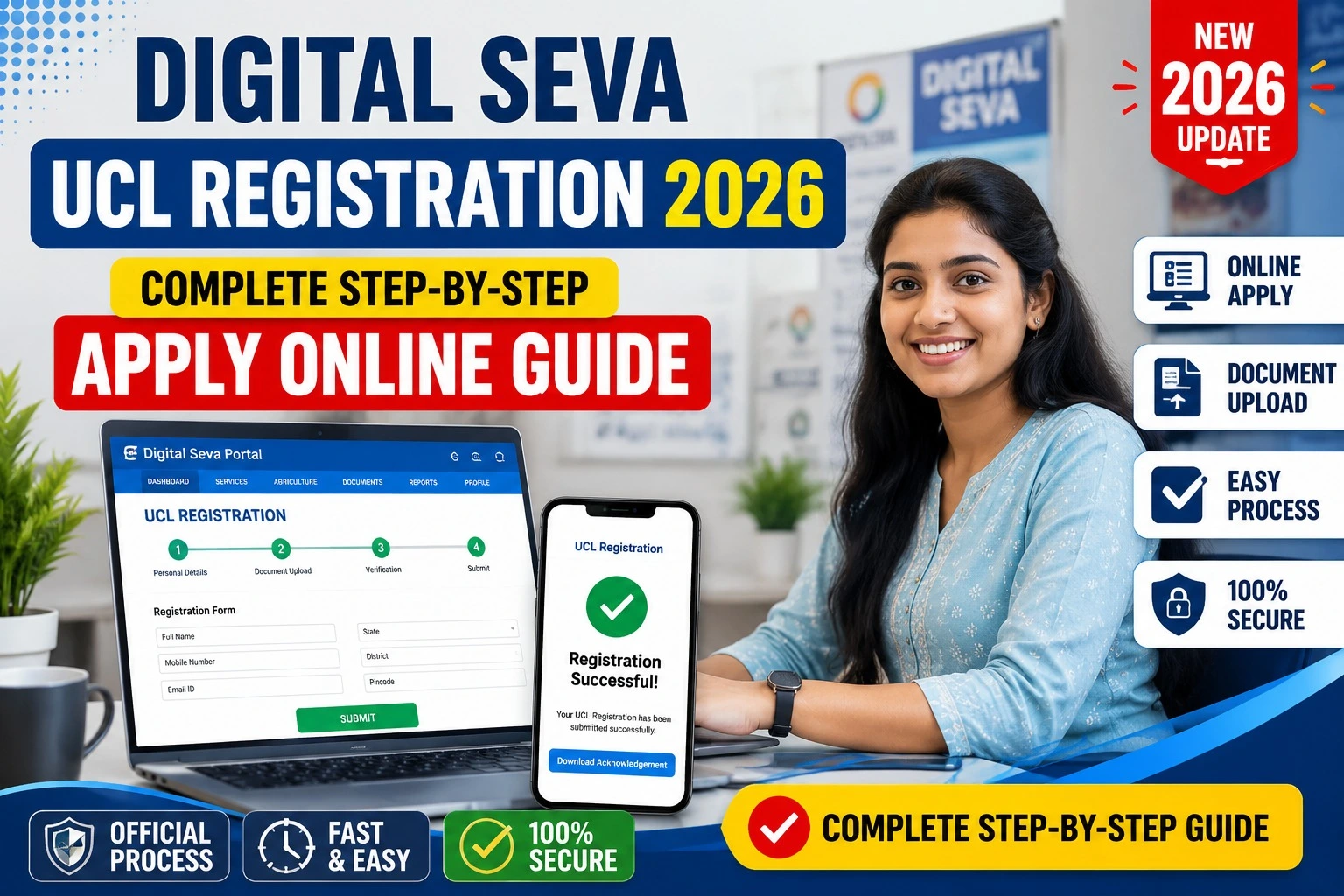
Digital Seva UCL Registration 2026 is one of the most searched topics among Common Service Centre (CSC) operators who want to offer Aadhaar update services through their centres. The UCL (Update Client Lite) service allows eligible CSC Village Level Entrepreneurs (VLEs) to provide selected Aadhaar demographic update services after receiving approval from CSC and following UIDAI guidelines.
If you are looking for the complete Digital Seva UCL Registration process, eligibility, required documents, application steps, login procedure, and important official links, this guide covers everything in simple language.
Important: UCL registration is available only for eligible CSC VLEs who meet the latest guidelines. Registration approval depends on CSC and UIDAI verification.
What is Digital Seva UCL?
Digital Seva UCL (Update Client Lite) is an Aadhaar update service provided through the CSC Digital Seva Portal. It enables authorized CSC operators to perform selected Aadhaar demographic update services for citizens.
The service helps people update information such as:
- Name (where applicable)
- Address
- Date of Birth (as per rules)
- Gender
- Mobile Number
- Email ID
The exact services available depend on UIDAI’s latest operational guidelines.
Digital Seva UCL Registration 2026 Overview
| Particular | Details |
| Portal Name | Digital Seva Portal |
| Service | UCL Registration |
| Department | CSC e-Governance Services India Limited |
| Purpose | Aadhaar Update Services |
| Registration Mode | Online |
| Beneficiaries | CSC VLEs |
| Official Portal | https://digitalseva.csc.gov.in |
| Aadhaar Authority | https://uidai.gov.in |
Who Can Apply for Digital Seva UCL Registration?
Not every CSC operator can directly apply for UCL.
Generally, applicants should have:
- Active CSC ID
- Approved VLE Profile
- Aadhaar linked with CSC
- Biometric Authentication Device
- Registered Mobile Number
- Good transaction history
- Compliance with CSC guidelines
Approval depends on CSC verification.
Documents Required
Keep the following documents ready before starting the registration process.
- Aadhaar Card
- PAN Card
- Active CSC ID
- Passport Size Photograph
- Mobile Number
- Email ID
- Bank Account Details
- Biometric Device
- Shop Photograph (if required)
- Police Verification (if applicable)
How to Apply for Digital Seva UCL Registration 2026?
Follow these simple steps.
Step 1
Visit the official Digital Seva Portal.
Step 2
Login using your CSC ID and password.
Step 3
Complete biometric authentication.
Step 4
Open the UCL Registration option from available services.
Step 5
Fill all required information carefully.
Step 6
Upload the required documents.
Step 7
Submit your application.
Step 8
Wait for verification from CSC authorities.
Step 9
After approval, the UCL service will be activated in your account.
How to Login to Digital Seva Portal?
The login process is simple.
- Open Digital Seva Portal.
- Click Login.
- Enter CSC ID.
- Complete biometric authentication.
- Access Dashboard.
- Open UCL Service if approved.
Benefits of Digital Seva UCL Registration
Getting UCL approval offers several benefits.
- Provide Aadhaar update services
- Increase CSC income
- Serve local citizens
- Improve customer footfall
- Government-authorized digital service
- Trusted digital identity services
- Better business opportunities
Digital Seva UCL Registration Status
Applicants can check their registration status through the CSC dashboard.
Simply login and navigate to:
Dashboard → UCL Registration → Application Status
The application may display:
- Pending
- Under Verification
- Approved
- Rejected
Common Reasons for UCL Registration Rejection
Many applications are rejected because of small mistakes.
Common reasons include:
- Incorrect Aadhaar details
- Inactive CSC ID
- Invalid documents
- Poor biometric verification
- Mismatch in applicant information
- Incomplete application
Always verify every detail before submitting.
Important Official Portals
| Service | Official Portal |
| Digital Seva Portal | https://digitalseva.csc.gov.in |
| CSC Official Website | https://www.csc.gov.in |
| UIDAI Official Website | https://uidai.gov.in |
| DigiLocker | https://www.digilocker.gov.in |
Tips to Get UCL Approval Faster
Experienced CSC operators recommend following these best practices.
- Keep Aadhaar and PAN updated.
- Use an active biometric device.
- Ensure your CSC profile is complete.
- Upload clear documents.
- Avoid duplicate applications.
- Check notifications regularly.
- Maintain good transaction history.
These steps can reduce delays during verification.
Frequently Asked Questions (FAQs)
Is Digital Seva UCL Registration free?
Registration itself generally follows CSC guidelines. Applicable service charges, if any, are governed by CSC policies.
Who can apply?
Only eligible CSC Village Level Entrepreneurs (VLEs) can apply.
Is biometric authentication compulsory?
Yes. Biometric authentication is generally required for login and verification.
Can I check my application status online?
Yes. Login to the Digital Seva Portal and check your application status from the dashboard.
Can new CSC operators apply?
Eligible CSC operators can apply if they fulfill the latest eligibility conditions.
Final Words
Digital Seva UCL Registration 2026 is an important opportunity for eligible CSC VLEs who wish to provide Aadhaar update services through their centres. Before applying, ensure that your CSC profile is active, your documents are correct, and you follow the official registration process carefully.
As CSC and UIDAI may revise eligibility criteria or operational guidelines from time to time, always rely on the official portals for the latest updates. Submitting accurate information and maintaining compliance with CSC requirements can improve your chances of successful approval.