


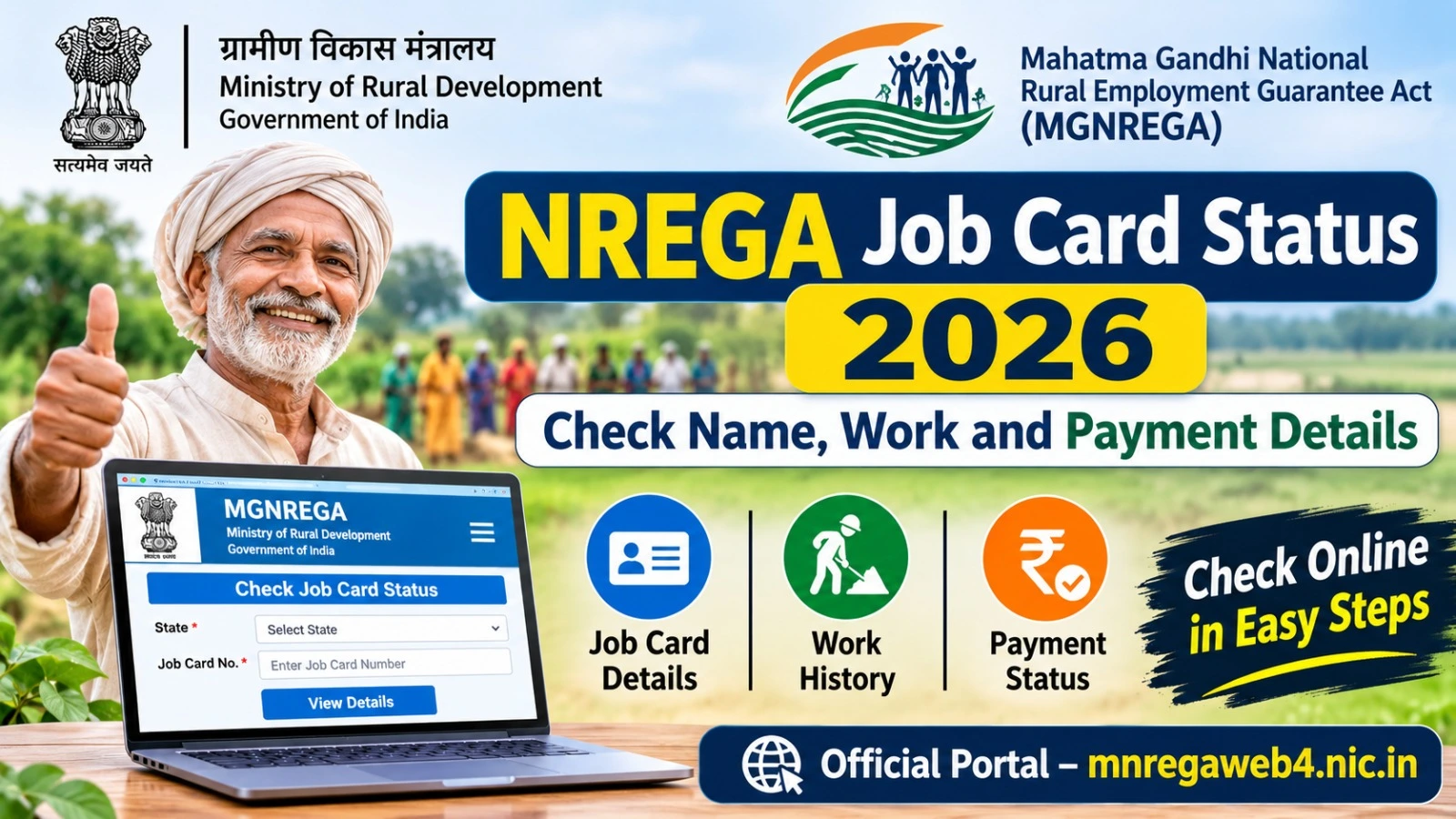
The NREGA Job Card Status 2026 allows rural households to check their registered worker details, employment records and wage payment information online. Through the government employment portal, registered workers can access their job card information using their job card number or by selecting their state, district, block and Gram Panchayat.
If you want to check your name in the NREGA records, view work details or track wage payments, you can use the official government portal without visiting a private website. Here is a step-by-step guide to checking NREGA job card details online.
What Is NREGA Job Card Status?
An NREGA Job Card is an important employment document issued to eligible rural households. It contains information about registered adult family members and records related to employment under the rural employment guarantee programme.
By checking job card status online, workers can access information such as:
- Registered worker names and job card numbers.
- Employment demanded and work allocated.
- Days of employment recorded.
- Muster roll and attendance information.
- Wage payment records.
- Relevant household registration details.
How to Check NREGA Job Card Status 2026 Online
Follow these steps to check your NREGA worker details through the official portal.
Step 1: Visit the Official NREGA Worker’s Portal.
Step 2: Enter your complete job card number in the search section.
Step 3: Alternatively, select your state, district, block, Gram Panchayat and village.
Step 4: Enter the required information and submit your details.
Step 5: Open the available worker information and check your registered job card details.
For records under the 2026-27 framework, also visit the official VB-G RAM G portal and use the relevant current-year services.
How to Check NREGA Work Details Online
Workers can check their employment information through the government reporting system.
Follow these steps:
- Open the official rural employment portal.
- Navigate to the MIS Reports or employment reports section.
- Select your financial year and state.
- Choose your district, block and Gram Panchayat.
- Open the relevant job card, employment or muster roll report.
- Check the available work allocation, attendance and employment records.
The information available depends on the selected report and the records updated by the concerned authorities.
How to Check NREGA Payment Status 2026
If you have completed work but have not received your wages, checking payment records can help you understand the payment progress.
You can:
- Open your job card and check the recorded employment details.
- Find the relevant muster roll or wage list.
- Check the available Fund Transfer Order (FTO) or payment report.
- Compare the payment information with your bank passbook or account statement.
NREGA-related wages are transferred directly to workers’ bank or post office accounts through Direct Benefit Transfer. If a payment is delayed or rejected, contact your Gram Panchayat or Block Programme Officer for clarification.
What to Do If Your NREGA Job Card Details Are Not Showing?
Sometimes, workers may not find their names or records online. This can happen because of incorrect location selection, incomplete updates or portal-related technical problems.
Try these steps:
- Verify your state, district and Gram Panchayat selection.
- Check your job card number carefully.
- Select the correct financial year.
- Try accessing the portal again later.
- Contact your Gram Panchayat or Gram Rozgar Sahayak if your details remain unavailable.
Important Update: NREGA and VB-G RAM G in 2026
The Viksit Bharat-G RAM G Act, 2025 came into effect on 1 July 2026. Existing MGNREGA job cards for workers who have completed e-KYC remain valid until new Gramin Rozgar Guarantee Cards are issued.
Therefore, workers should check the relevant government portal for their financial year and available records before assuming that an older job card is invalid.
Frequently Asked Questions
How can I check my NREGA Job Card Status online?
Visit the official Worker’s Portal, enter your job card number or select your state, district, block, Panchayat and village.
Can I check NREGA payment status using my job card number?
You can use your job card details to locate employment and wage records and then check the relevant payment reports.
Can I check NREGA work history online?
Yes. The official portal provides employment-related reports, including work allocation and muster roll information.
Are old NREGA job cards valid in 2026?
Existing e-KYC-completed MGNREGA job cards remain valid until new Gramin Rozgar Guarantee Cards are issued under the new framework.
What should I do if my name is missing from the NREGA records?
Contact your Gram Panchayat or Gram Rozgar Sahayak and request verification of your household registration and job card details.
Is there any fee to check NREGA Job Card Status?
Checking publicly available information through the official government portal is free.
For accurate information, always use government portals and contact your local Gram Panchayat if any employment or payment record requires correction.