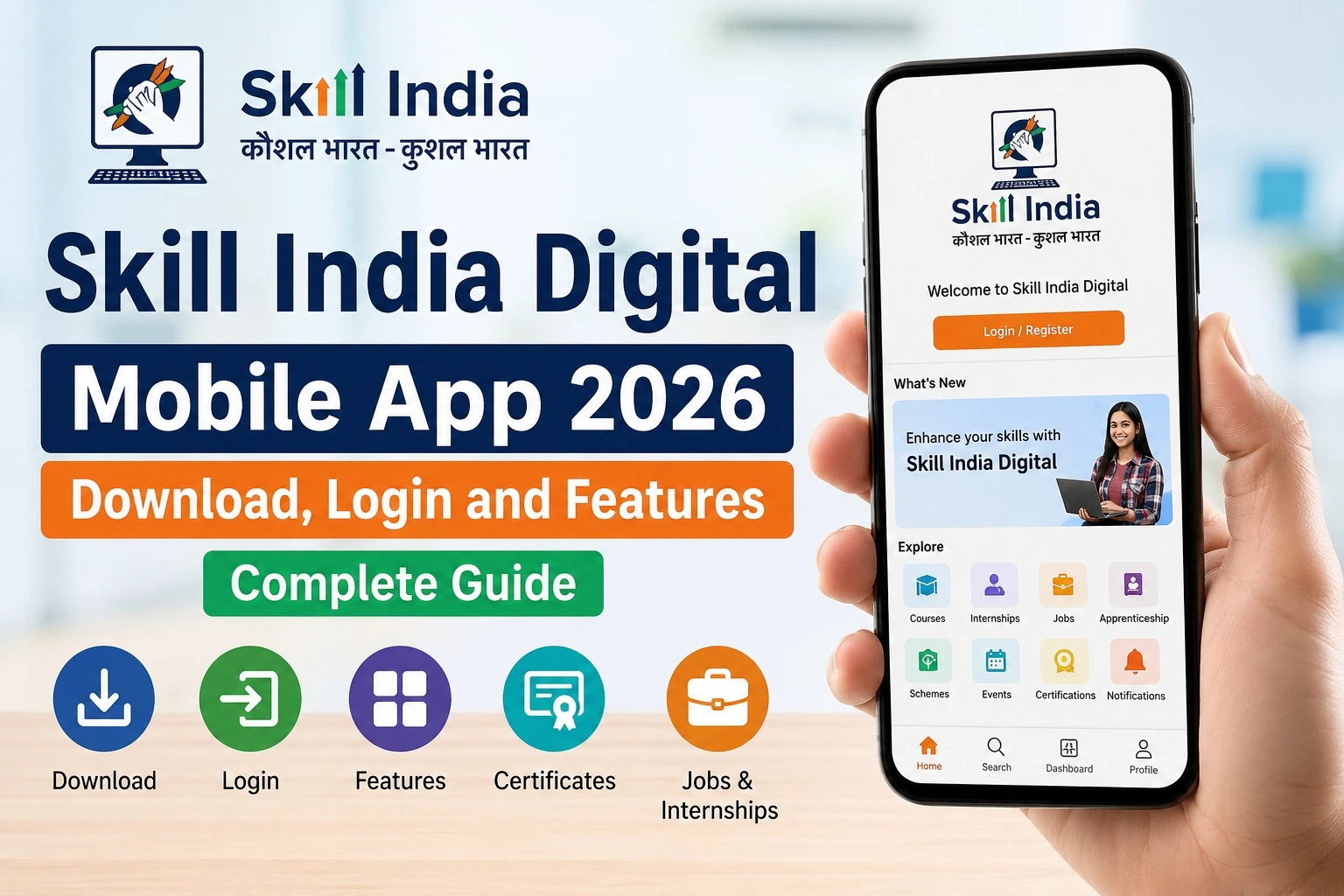
Skill India PMKVY 4.0 Registration 2026 is an important opportunity for eligible Indian candidates looking to gain industry-relevant skills through the Pradhan Mantri Kaushal Vikas Yojana. Candidates can use the Skill India Digital Hub (SIDH) to register, complete e-KYC, search available PMKVY 4.0 courses and show interest in suitable training batches.
If you are searching for PMKVY 4.0 registration, Skill India PMKVY apply online, PMKVY courses, eligibility or the registration process, this guide explains the complete process in simple steps.
What is PMKVY 4.0?
Pradhan Mantri Kaushal Vikas Yojana (PMKVY) is a government skill-development initiative designed to help people acquire industry-relevant skills and improve their employability.
PMKVY 4.0 includes different training pathways, including Short-Term Training (STT), Recognition of Prior Learning (RPL) and Special Projects. The official PMKVY 4.0 guidelines state that eligibility depends on the relevant job role and scheme requirements.
The Ministry of Skill Development and Entrepreneurship currently lists PMKVY 4.0 among its key skill-development offerings.
PMKVY 4.0 Registration 2026: Important Details
| Details | Information |
| Scheme | Pradhan Mantri Kaushal Vikas Yojana 4.0 |
| Platform | Skill India Digital Hub (SIDH) |
| Registration | Online |
| e-KYC | Aadhaar-based e-KYC |
| Training | Depends on available job roles and batches |
| Training types | STT, RPL and Special Projects |
| Official portal | Skill India Digital |
| Application | Select a suitable scheme/batch and show interest |
For Short-Term Training under the PMKVY 4.0 guidelines, the target group includes candidates seeking fresh skilling, reskilling or upskilling, out-of-education candidates, school/college dropouts and unemployed youth. The guidelines specify Indian nationality and a valid Aadhaar as eligibility requirements, subject to the applicable job-role criteria.
Who Can Apply for PMKVY 4.0?
PMKVY 4.0 eligibility is not identical for every course. Candidates should check the requirements of the particular job role before applying.
Under the published PMKVY 4.0 guidelines, Short-Term Training generally targets candidates aged 15 to 45 years, while RPL has a different age range. The specific job role and course curriculum may impose additional eligibility conditions.
Therefore, applicants should not assume that every PMKVY course has the same eligibility criteria.
Documents and Details Required
Before starting the Skill India PMKVY registration process, keep the necessary information ready.
Generally, you may need:
- Active mobile number
- Aadhaar details for e-KYC
- Aadhaar-linked mobile number for OTP-based verification
- Basic personal information
- Education or qualification details where required
- Preferred skill/job role information
- Location or training preferences
The official NSDC registration guide states that candidates enter Aadhaar details for e-KYC and receive an OTP on the mobile number linked with Aadhaar.
How to Register for Skill India PMKVY 4.0 Online
Follow these steps to start your PMKVY 4.0 registration 2026.
Step 1: Visit Skill India Digital
Open the official Skill India Digital Hub website.
Choose the option to register as a learner if you are a new user. Existing users can log in using their registered details.
Step 2: Complete Mobile OTP Verification
During registration, an OTP is sent to the mobile number entered by the candidate.
Enter the OTP to continue the registration process.
Step 3: Set Your PIN or Password
After mobile verification, create the account PIN/password required to access your Skill India Digital account.
Keep these login details secure and do not share them with anyone.
Step 4: Complete Aadhaar e-KYC
The next important step is Aadhaar-based e-KYC.
Enter the required Aadhaar information and submit the details. An OTP may then be sent to the mobile number linked with Aadhaar for authentication.
Once e-KYC is completed, you can access the candidate dashboard and available skill programmes.
Step 5: Open Your Dashboard
After successful registration and e-KYC, go to your Skill India Digital dashboard.
The official NSDC instructions state that candidates can use My Dashboard to view available skill courses and programmes.
Step 6: Select PMKVY 4.0
Look for PMKVY 4.0 in the available schemes/programmes.
The official process also allows candidates to use View All Program under Skill India Mission and search for suitable programmes and job roles.
Step 7: Search for Your Preferred Job Role
Select the appropriate course mode and search for the job role you are interested in.
Check the scheme name carefully before proceeding. Available courses and batches can differ according to location, sector, job role and training centre.
Step 8: Select a Suitable Training Batch
Once you find a relevant job role, review the available batch information.
Pay attention to:
- Batch ID
- Training centre
- Training partner
- Location
- Batch start date
- Training timings
- Job role
- Scheme name
The NSDC guidance specifically advises candidates to verify the batch start date, training centre, training partner and timing before showing interest.
Step 9: Click Apply or Show Interest
After choosing a suitable batch, use the Apply option and complete the required information.
Candidates can show interest in up to five batches, according to the current NSDC instructions.
Step 10: Complete Your Profile
Fill in the mandatory profile information shown on the portal and submit the required details.
After submission, the request is sent to the concerned training centre for processing.
What Happens After PMKVY Application?
Submitting an application does not necessarily mean that training starts immediately.
The application can move through different stages. According to NSDC’s candidate-enrollment process, the training centre reviews candidate requests. Once a request is approved, it becomes visible in the candidate’s account, where the candidate can accept the invitation. After acceptance, the training centre can proceed with enrolment.
You can therefore check your application status through the relevant dashboard/application section rather than assuming that submission equals final enrolment.
PMKVY 4.0 Registration: Common Problems
OTP Not Received
If you do not receive the Aadhaar e-KYC OTP, first check whether the mobile number is registered with Aadhaar. NSDC also recommends checking mobile network conditions and SMS availability and trying again later if necessary.
PMKVY Job Role Not Visible
Sometimes a particular job role or batch may not appear in the dashboard. NSDC advises candidates to reload the portal and use the scheme, sub-scheme, job-role and sector filters where applicable.
Training Batch Not Available
Batch availability depends on the programmes currently listed on Skill India Digital. If a preferred location or job role is unavailable, check other eligible batches rather than relying on an old batch listing.
Is PMKVY 4.0 Free?
Candidates should check the exact scheme and course information displayed on the official Skill India Digital portal before applying.
Do not pay an individual or website merely because someone claims that a PMKVY registration fee is required. Verify any fee, training-related charge or benefit directly through official government/NSDC information.
PMKVY 4.0 Training and Certification
PMKVY 4.0 provides different training pathways. The official guidelines describe Short-Term Training courses, Recognition of Prior Learning and Special Projects. Short-Term Training courses are aligned with the National Skills Qualifications Framework and may include on-the-job training depending on the job role.
The training lifecycle, including enrolment, training, assessment and certification, is managed through Skill India Digital under the PMKVY 4.0 implementation framework.
Important Official Links
| Purpose | Official Link |
| Skill India Digital Portal | Open Skill India Digital |
| PMKVY 4.0 | View PMKVY 4.0 |
| Candidate Registration Guide | NSDC Candidate Registration Guide |
| PMKVY Batch Application Guide | NSDC PMKVY Batch Guide |
| PMKVY 4.0 Guidelines | MSDE PMKVY 4.0 Guidelines |
Final Words
The Skill India PMKVY 4.0 registration process 2026 is primarily completed through the Skill India Digital Hub. New candidates need to register, verify their mobile number, set their account PIN/password and complete Aadhaar e-KYC before searching for available PMKVY 4.0 programmes.
Once the dashboard is active, candidates can search for suitable job roles, compare available training batches and show interest in eligible options. Because course availability, eligibility and batch details can change, always check the latest information on the official Skill India Digital portal before submitting an application.
For the safest application process, use only official Skill India, NSDC and Ministry of Skill Development and Entrepreneurship sources.