Introduction
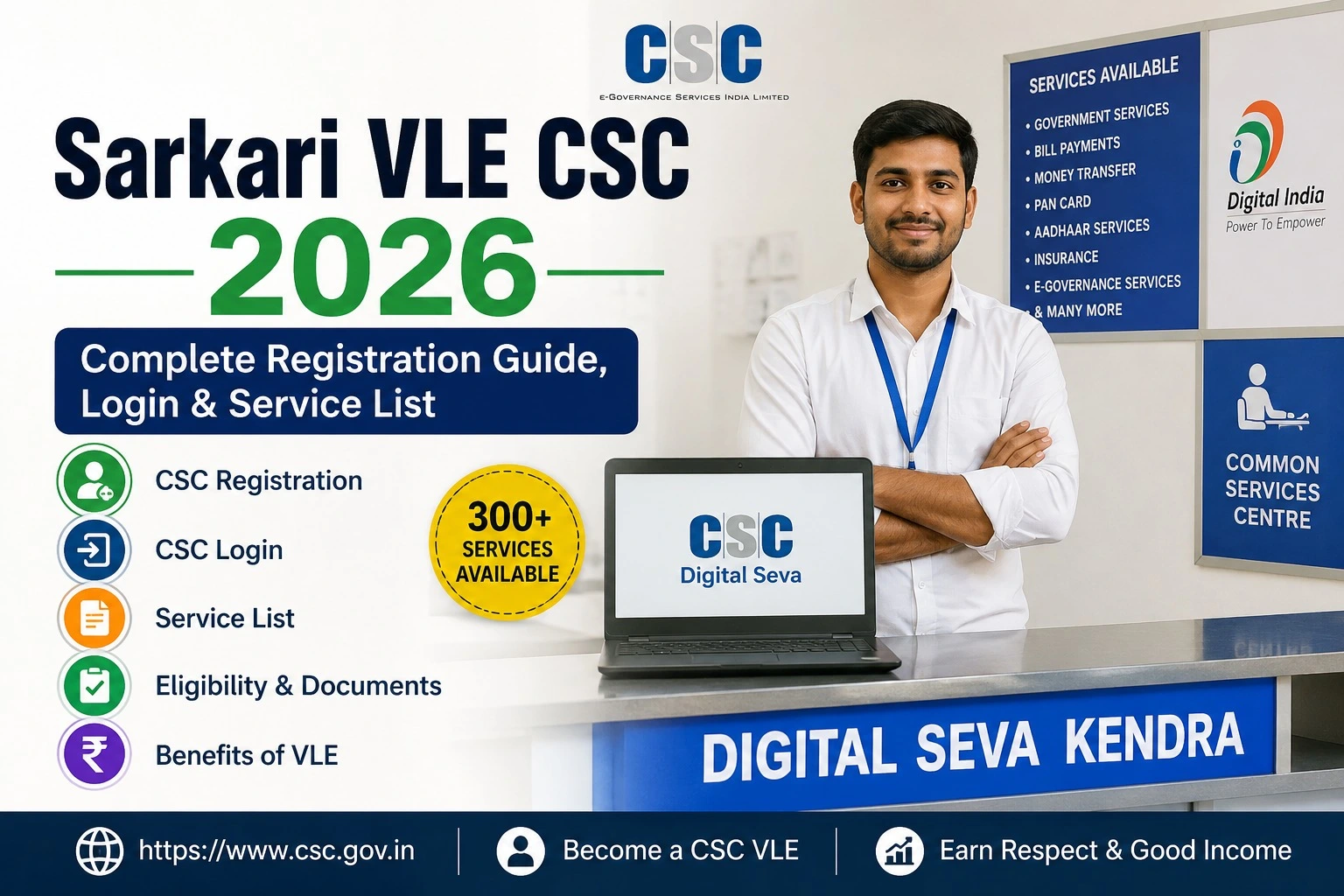
If you are a Common Service Centre (CSC) Village Level Entrepreneur (VLE) and want to use UCL services through the Digital Seva Portal, then this guide is for you.
In this article, you will learn everything about CSC UCL Registration 2026, including eligibility, required documents, registration process, approval timeline, benefits, common errors, and important official links. The information is explained in simple language so that every CSC operator can understand the complete process without confusion.
Whether you are registering for the first time or facing approval issues, this guide covers everything you need to know.
What is CSC UCL Registration?
CSC UCL (Update Client Lite) is a service available through the Digital Seva Portal that allows authorized CSC Village Level Entrepreneurs (VLEs) to provide selected Aadhaar demographic update services to citizens as per the applicable rules and approvals.
Once your UCL registration is approved, eligible CSC operators can access the UCL application through their Digital Seva account, subject to CSC guidelines and applicable regulations.
CSC UCL Registration 2026 Highlights
| Particular | Details |
| Article Name | CSC UCL Registration 2026 |
| Portal | Digital Seva Portal |
| Service | UCL Registration |
| Mode | Online |
| Eligibility | Eligible CSC VLEs |
| Application Fee | As per CSC guidelines (if applicable) |
| Approval | Subject to verification |
| Official Portal | https://digitalseva.csc.gov.in |
| Helpdesk | Available through CSC support channels |
What is Digital Seva UCL?
Digital Seva UCL is a module available for eligible CSC operators. It enables authorized VLEs to access approved citizen service modules after successful verification and activation.
Before applying, ensure that:
- Your CSC ID is active.
- Your profile is complete.
- Your bank details are updated.
- Your KYC is completed (if required).
- You meet the latest CSC eligibility requirements.
Meeting these requirements improves the chances of successful verification.
Eligibility for CSC UCL Registration
Applicants should generally satisfy the following conditions:
- Must be an active CSC Village Level Entrepreneur (VLE).
- Valid CSC ID should be available.
- Registered mobile number should be active.
- Email ID should be verified.
- Aadhaar authentication requirements should be fulfilled wherever applicable.
- Profile should be updated on the Digital Seva Portal.
- Should comply with CSC operational guidelines.
Always check the latest eligibility criteria before submitting your application.
Documents Required
Keep the following documents ready before starting registration:
- Aadhaar Card
- PAN Card
- Active CSC ID
- Registered Mobile Number
- Email ID
- Passport-size Photograph
- Bank Account Details
- Address Proof
- Other documents, if requested during verification
Having all documents ready helps avoid delays.
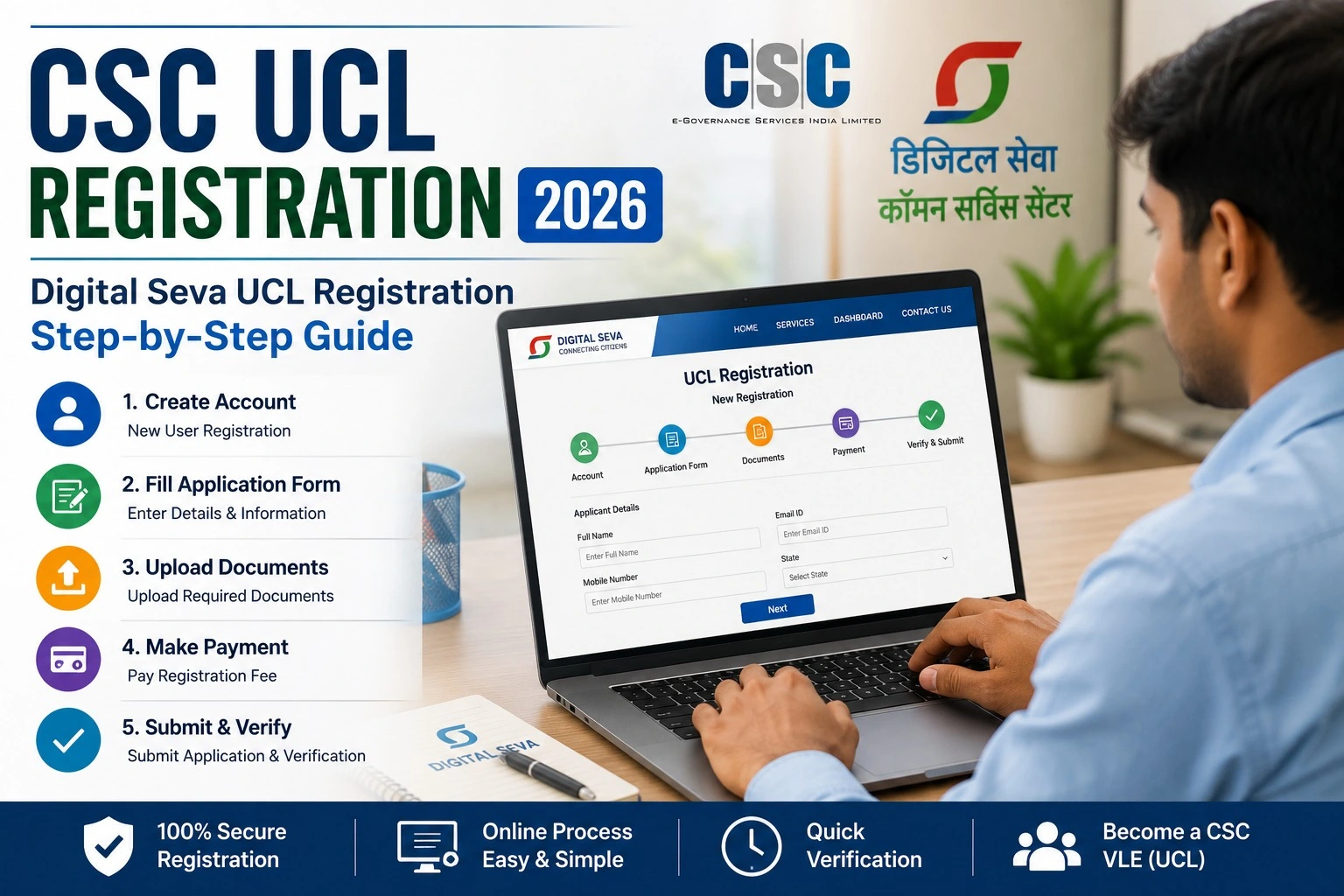
How to Apply for CSC UCL Registration 2026?
Follow these steps carefully.
Step 1: Visit the Digital Seva Portal
Open the official Digital Seva Portal in your browser.
Step 2: Login
Enter your CSC ID and password.
Step 3: Complete Authentication
Complete the required login authentication process.
Step 4: Open UCL Services
Navigate to the available service dashboard and locate the UCL-related option, if enabled for your account.
Step 5: Fill Required Details
Enter all required information carefully.
Double-check every detail before submission.
Step 6: Upload Documents
Upload the required documents in the prescribed format.
Step 7: Submit Application
Review all information and submit the application.
Step 8: Wait for Verification
Your application will be processed according to CSC’s verification process. Once approved, eligible services become available as per CSC policies.
CSC UCL Registration Process Flow
- Login to Digital Seva Portal
- Complete Profile Verification
- Fill Registration Form
- Upload Documents
- Submit Application
- Verification by CSC
- Approval
- Service Activation (if approved)
Benefits of CSC UCL Registration
There are several advantages for eligible CSC operators.
- Access to additional Digital Seva services.
- Improved citizen service delivery.
- Digital workflow with online verification.
- Centralized service management.
- Better service availability through CSC ecosystem.
- Reduced paperwork.
- Convenient online application process.
Common Reasons for Registration Rejection
Many applications are delayed because of avoidable mistakes.
Common reasons include:
- Incorrect Aadhaar details
- Incomplete profile
- Invalid documents
- Expired CSC ID
- Mobile number mismatch
- Poor-quality document uploads
- Pending verification
Always verify your information before submission.
Important Official Links
| Purpose | Link |
| Digital Seva Portal | https://digitalseva.csc.gov.in |
| CSC Official Website | https://www.csc.gov.in |
| CSC Helpdesk | https://register.csc.gov.in |
| CSC Registration Information | https://register.csc.gov.in/register |
Tips to Get Faster Approval
If you want a smooth registration experience:
- Complete your profile before applying.
- Upload clear scanned documents.
- Use your registered mobile number.
- Keep Aadhaar and PAN details accurate.
- Avoid submitting multiple applications.
- Regularly check your application status.
Frequently Asked Questions (FAQs)
What is CSC UCL Registration?
It is the process through which eligible CSC VLEs apply for access to UCL-related services available through the Digital Seva ecosystem, subject to verification.
Who can apply?
Only eligible CSC Village Level Entrepreneurs with an active CSC account can apply, subject to the latest guidelines.
Is CSC UCL Registration free?
Charges, if any, depend on the latest CSC guidelines and operational policies. Check the official portal for current information.
How long does approval take?
Approval time varies depending on document verification and administrative processing.
Can I check my application status online?
Yes. Eligible applicants can monitor the status after logging into the Digital Seva Portal.
What should I do if my application is rejected?
Review the reason, correct the issues, update your documents if necessary, and follow the official instructions before reapplying.
Final Words
CSC UCL Registration 2026 is an important process for eligible CSC Village Level Entrepreneurs who wish to access approved services through the Digital Seva Portal. Before applying, make sure your CSC profile is complete, your documents are accurate, and you follow the latest official guidelines.
Since CSC policies and service availability may change over time, always verify the latest notifications on the official Digital Seva and CSC portals before submitting your application.
Keeping your profile updated and following the correct registration process will help you avoid delays and improve your chances of successful verification.