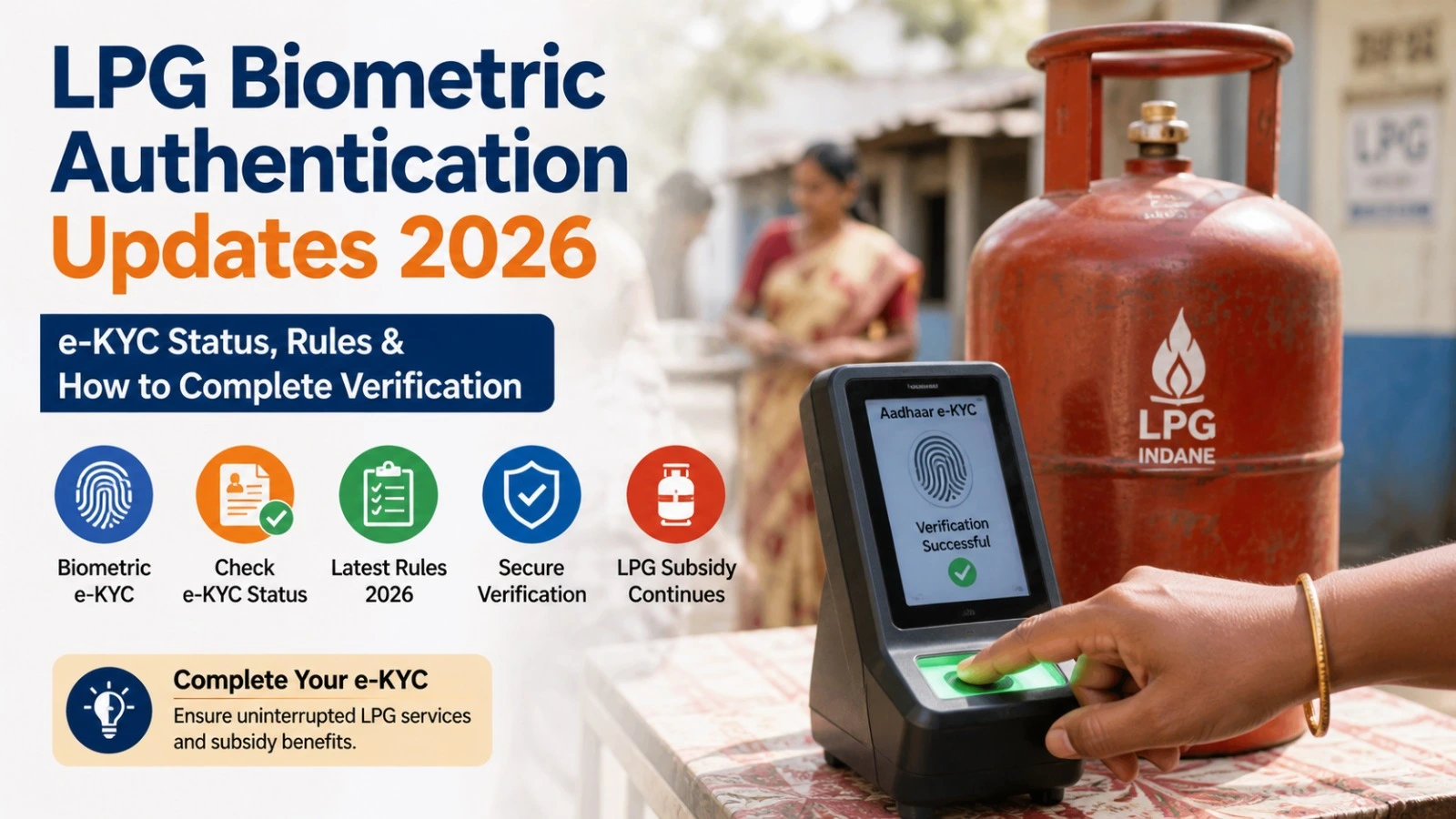
LPG Biometric Authentication Updates 2026 are important for consumers who are being asked to complete LPG e-KYC, Aadhaar authentication or identity verification. LPG customers may receive instructions from their distributor or LPG company regarding verification of consumer details.
However, biometric authentication, Aadhaar authentication and e-KYC are not always the same process. The requirement can depend on the LPG service and the consumer’s account. Therefore, customers should verify the latest instructions through their official LPG provider instead of relying on forwarded WhatsApp messages or social media claims.
This guide explains LPG biometric authentication, e-KYC, the verification process, official portals and what to do if authentication does not work.
What Is LPG Biometric Authentication?
Biometric authentication is an identity-verification process that can use a person’s biometric information, such as a fingerprint.
In the LPG ecosystem, Aadhaar-based authentication and e-KYC are used for consumer verification in relevant services. The exact procedure can differ between Indane, Bharatgas and HP Gas.
For example, HPCL provides Aadhaar authentication and e-KYC-related services through its LPG systems. Consumers should therefore check the service applicable to their own LPG connection before completing verification.
LPG Biometric Authentication Updates 2026
The official PMUY portal continues to provide information about LPG connections, KYC, eligibility and related consumer services. Consumers who have been specifically asked to complete verification should check their LPG account or contact their distributor for the correct procedure.
It is also important not to assume that a message circulating online about a particular LPG biometric authentication deadline applies to every consumer. Any deadline should be confirmed through an official government or LPG company source.
| LPG Service | Where to Check | Recommended Action |
| LPG e-KYC | Official LPG provider | Check your consumer details |
| Aadhaar authentication | LPG provider’s official service | Complete it if requested |
| PMUY connection | PMUY official portal | Check KYC and eligibility |
| Existing connection issue | LPG distributor | Request account verification |
| LPG emergency | Official emergency helpline | Call 1906 |
How to Complete LPG e-KYC or Authentication
The exact process can vary by LPG provider, but consumers can generally follow these steps.
1. Identify Your LPG Company
First check whether your connection is with Indane, Bharatgas or HP Gas. Your consumer number, refill receipt or LPG documents can help identify the provider.
2. Use the Official Website
Open the official website or digital service of your LPG company. Avoid websites that ask for Aadhaar, OTP or bank information without clearly belonging to an authorised organisation.
Indane customers can access LPG-related services through IndianOil’s official LPG section.
3. Enter Consumer Details
Depending on the service, you may need your registered mobile number, LPG consumer number or other account details.
Make sure the information matches the details associated with your LPG connection.
4. Complete Authentication
If your account requires Aadhaar authentication or e-KYC, follow the instructions provided by the official service.
If biometric verification is specifically required, the LPG distributor or authorised service channel may provide instructions for completing it.
5. Confirm the Status
After submitting the verification request, check whether the process has been completed successfully. If an acknowledgement or reference number is generated, save it for future reference.
Documents You May Need
The documents required depend on the LPG service. PMUY-related applications, for example, can require Aadhaar and KYC information along with other supporting documents.
| Document / Detail | Possible Use |
| Aadhaar | Identity verification |
| LPG Consumer Number | Connection identification |
| Registered Mobile Number | OTP and communication |
| KYC Details | Consumer verification |
| Address Proof | Where applicable |
| Bank Account Details | Relevant subsidy/PMUY services |
| Supporting Documents | Depending on the application |
Consumers should not submit every document unnecessarily. Check the requirements for the particular service you are using.
What to Do If LPG Biometric Authentication Fails
Authentication may not complete because of incorrect details, Aadhaar information not matching the LPG account, mobile-number issues, technical problems or biometric verification difficulties.
If this happens, try the following:
- Check your LPG consumer information.
- Confirm that your registered mobile number is active.
- Contact your LPG distributor.
- Ask whether your e-KYC or Aadhaar authentication is pending.
- Keep the acknowledgement or reference number if available.
- Use only official customer-care channels for further assistance.
For Indane customers, IndianOil provides 1800-2333-555 as an LPG toll-free number. The LPG emergency helpline is 1906.
LPG e-KYC and PMUY
The Pradhan Mantri Ujjwala Yojana (PMUY) official website provides information about LPG connections, KYC requirements, eligibility, documents and related services.
The official PMUY portal also provides KYC forms and consumer information, making it a useful source for beneficiaries who want to verify requirements before visiting an LPG distributor.
Consumers should remember that PMUY-related procedures and general LPG account services can have different requirements. Always check the specific instruction applicable to your connection.
Official LPG Portals
| Purpose | Official Source |
| PMUY information | PMUY Official Website |
| Indane LPG services | IndianOil LPG Services |
| IndianOil | Official IndianOil Website |
| HP Gas | HPCL Official Website |
Beware of Fake LPG e-KYC Messages
Consumers should be careful if they receive an unexpected call, SMS or WhatsApp message asking them to complete LPG e-KYC immediately.
Do not share your OTP, Aadhaar details, bank information or other sensitive information with unknown individuals. A message claiming that your LPG connection will immediately be cancelled should not be treated as genuine without verification.
Use the official LPG website, authorised distributor or government portal to confirm the requirement.
LPG Biometric Authentication Updates 2026: Key Points
LPG biometric authentication and e-KYC are important identity-verification services, but the exact requirement depends on the LPG service and consumer account.
Before completing any verification, check your LPG provider, use an official portal and confirm whether Aadhaar authentication or biometric verification is actually required.
If online verification fails, contacting the authorised LPG distributor is usually the safest next step.
Disclaimer: This article is for informational purposes only and is not affiliated with the Ministry of Petroleum and Natural Gas, PMUY, IndianOil, BPCL, HPCL or any LPG distributor. LPG procedures and requirements may change, so consumers should verify the latest information through official sources.