Introduction
If you have completed a Skill India training programme and are looking for the Skill India Digital Certificate Download 2026 process, you may be able to access your certificate online after successful completion and assessment.
The Skill India ecosystem has increasingly moved towards digital certificates and online verification. Depending on the scheme, course and awarding body, a certificate may be made available through Skill India Digital, DigiLocker, or another official delivery method.
For example, the official PMKVY 4.0 guidelines state that candidates who successfully complete the required assessment can receive a digital certificate through DigiLocker, a download link sent to their registered email/mobile number, or their profile on Skill India Digital/mobile app.
So, if you are searching for how to download Skill India certificate online, follow the steps below.
What Is a Skill India Digital Certificate?
A Skill India digital certificate is an electronic record issued after completing the requirements of an eligible skill-development programme.
The exact certificate depends on the programme, qualification and awarding body. It is therefore important to check your specific course or scheme rather than assuming that every course follows the same certification process.
The Government’s skilling ecosystem also supports digital storage of skill certificates. MSDE has described the national skill certificate repository developed with DigiLocker as a way to securely store recognised skill certificates and make them available digitally.
Skill India Digital Certificate Download 2026: Quick Details
| Particular | Details |
| Certificate | Skill/Training Certificate |
| Main platform | Skill India Digital Hub |
| Digital storage | DigiLocker, where supported |
| Download method | Skill India Digital/profile, DigiLocker or official link, depending on programme |
| Eligibility | Successful completion and applicable assessment requirements |
| Verification | Through the applicable official verification facility |
| Official portal | Skill India Digital |
| Course information | Official SIDH Course Catalogue |
The official Skill India Digital Hub is operated under the Ministry of Skill Development and Entrepreneurship, Government of India.
Who Can Download a Skill India Certificate?
A certificate is generally available only when the learner has fulfilled the requirements of the relevant programme.
For programmes such as PMKVY 4.0, the official guidelines specify that candidates who achieve the required pass percentage after assessment are awarded the Skill Certificate and Marksheet.
Therefore, simply registering for a course does not necessarily mean that a certificate will immediately be available.
Before looking for the download option, make sure that:
- You completed the required training.
- You completed the applicable assessment.
- You met the required passing criteria.
- Your registered mobile number or email is accessible.
- Your certificate has been generated.
- Your details are correctly recorded on the relevant platform.
How to Download Skill India Digital Certificate 2026
Step 1: Visit the Official Skill India Digital Portal
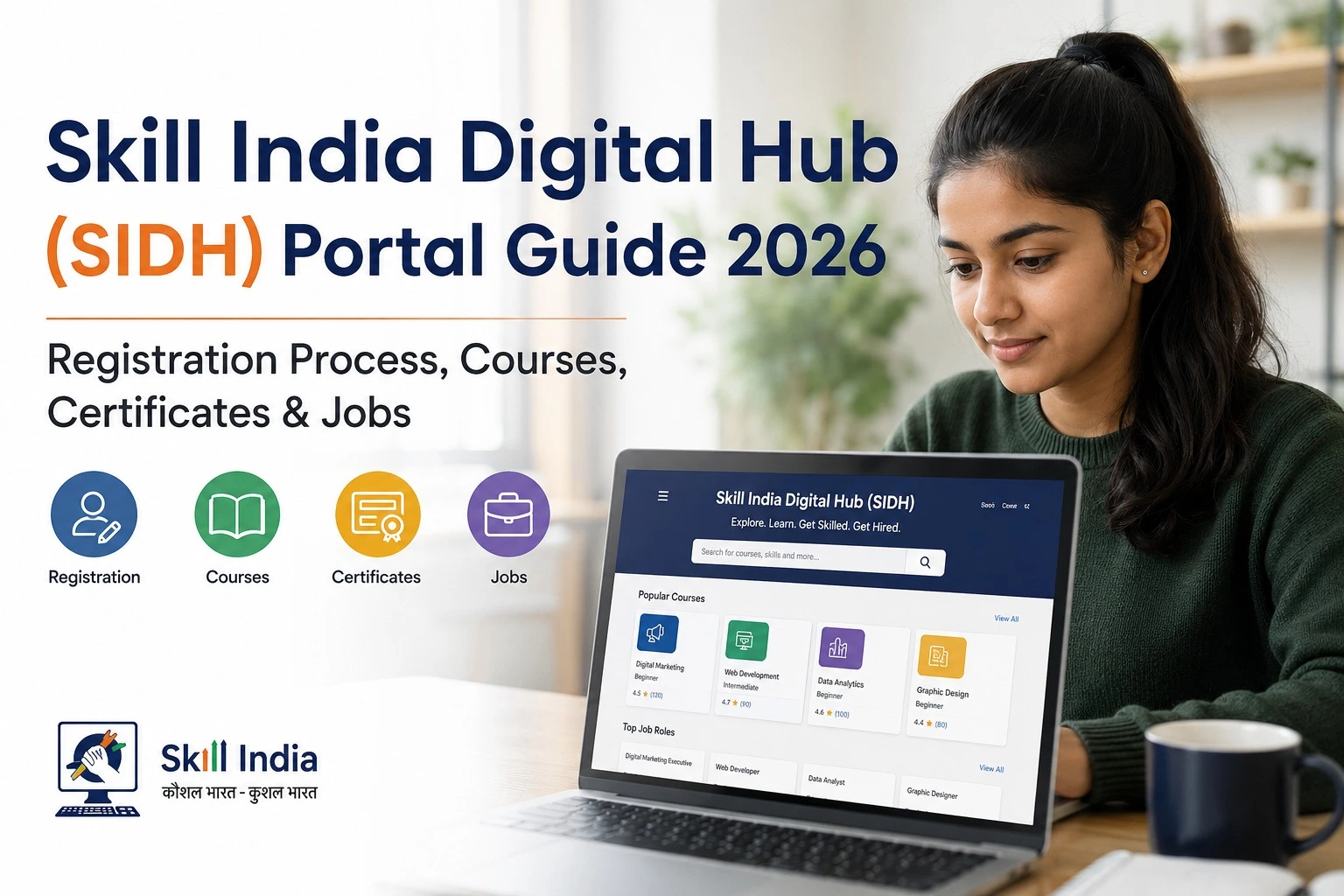
Start by visiting the official Skill India Digital Hub.
Skill India Digital Hub – Official Portal
Do not enter your personal information on websites that claim to provide a Skill India certificate download service but are not official government platforms.
Step 2: Log In to Your Account
Use the login option available on the official platform and sign in using the credentials associated with your Skill India profile.
If you have completed training through an eligible programme, your certificate-related information may appear in your profile once it has been generated.
Step 3: Open Your Profile or Certificate Section
After logging in, look through your dashboard or profile for options related to:
- Certificates
- Credentials
- Completed training
- Assessment
- Documents
- Skill records
The exact menu can change as the portal is updated, so the wording may not be identical for every learner.
Step 4: Select the Completed Course
Find the course or training programme that you successfully completed.
Check the course name, training details and completion information carefully before downloading anything.
Step 5: Check Certificate Availability
If the certificate has been generated, you may see an option to view or download it.
If there is no certificate available, do not assume that the portal is faulty. The assessment, result or certification process may still be pending.
Step 6: Download the Certificate
If a download option is available, select it and save the certificate securely on your phone or computer.
Keep a backup copy because you may need the certificate later for employment, further training or other purposes.
How to Download Skill India Certificate From DigiLocker
For programmes that issue certificates through DigiLocker, candidates can access their digital documents through their DigiLocker account.
The official PMKVY 4.0 guidelines specifically provide for digital certificates to be made available through DigiLocker for eligible certified candidates.
The general process is:
- Open the official DigiLocker platform or app.
- Sign in to your DigiLocker account.
- Open the section for issued documents.
- Search for the relevant skill certificate or issuing organisation.
- Enter the requested details, if required.
- Retrieve the available certificate.
- Download or save the digital document.
The exact document name and issuing authority can vary according to the programme.
How to Verify a Skill India Certificate
Certificate verification is important when you are submitting a skill certificate to an employer, institution or another organisation.
First, check whether the certificate contains a QR code, certificate number or other verification details.
For recognised skill certificates, the digital ecosystem is designed to support authentic and reliable verification. MSDE has explained that the central skill certificate repository enables digital access and verification of certificates.
Use the verification method specified on your certificate or by the issuing authority.
Important
Do not use random third-party “certificate verification” websites. Always check the issuing organisation and use the official verification facility wherever available.
What If My Skill India Certificate Is Not Showing?
If your certificate is missing, check these points first:
- Check your result:
Your assessment result may not have been finalised. - Check your registered details:
Make sure the mobile number, email and other learner information are correct. - Check your Skill India profile:
Log in again and review your completed courses and credentials. - Check DigiLocker:
If your programme supports DigiLocker integration, look under issued documents. - Contact the training provider:
If the certificate is still unavailable after successful completion, contact the training centre or programme authority.
Important Official Links
| Purpose | Official Resource |
| Skill India Digital Hub | skillindiadigital.gov.in |
| SIDH Course Catalogue | Skill India Course Catalogue |
| Ministry of Skill Development & Entrepreneurship | MSDE Official Website |
| DGT/SIDH services | DGT Skill India Digital Portal |
The official SIDH course catalogue currently provides a search facility for available courses, while the broader Skill India Digital platform covers skilling and career-related services.
Is the Skill India Digital Certificate Free?
There is no single fee rule that applies to every Skill India programme.
Whether training is free, whether an assessment fee applies, and how certification is handled depends on the particular scheme, course and training provider.
Therefore, check the official details of your specific programme before assuming that the certificate or training is free.
Skill India Certificate Download 2026: Important Points
Remember these points before downloading your certificate:
- Certificate availability depends on the relevant programme.
- Successful completion may include passing an assessment.
- Not every course necessarily follows the same certification process.
- DigiLocker may be used for eligible digital certificates.
- Keep your registered mobile number and email accessible.
- Check your certificate details after downloading.
- Use official government platforms for verification.
- Never share your OTP, password or other login credentials with anyone.
Frequently Asked Questions
How can I download my Skill India Digital Certificate?
Log in to the official Skill India Digital platform and check your profile or certificate/credential section. If your programme supports DigiLocker, the certificate may also be available there.
Can I download my Skill India certificate from DigiLocker?
Yes, eligible certificates can be made available through DigiLocker. PMKVY 4.0 guidelines specifically provide DigiLocker as one of the digital certificate delivery methods.
Why is my Skill India certificate not available?
Your assessment or certification may still be pending, or the particular programme may use a different certificate delivery process. Check your course status and contact the training provider if necessary.
Is every Skill India course certificate available online?
Not necessarily. Certificate arrangements depend on the specific programme, qualification and awarding body.
How do I verify a Skill India certificate?
Check the certificate for its verification details, such as a QR code or certificate number, and use the official verification mechanism associated with the issuing authority.
Conclusion
The Skill India Digital Certificate Download 2026 process is becoming increasingly convenient as skill certificates move into digital systems. Depending on the programme, learners may receive their certificate through their Skill India Digital profile, DigiLocker or another official delivery method.
The most important step is to confirm that you have successfully completed the required training and assessment. If your certificate is not visible immediately, check your result and profile first rather than using an unofficial certificate website.
For the latest information, always rely on the official Skill India Digital Hub, the relevant programme authority and DigiLocker where applicable. This helps ensure that the certificate you download is authentic and can be properly verified when needed.