Introduction
The Skill India Digital Hub Certificate Download process has become one of the most searched topics among students, job seekers, fresh graduates, and professionals looking to showcase government-recognized skills. After successfully completing a course on the Skill India Digital Hub (SIDH), candidates can download their digital certificate directly from the official portal.
A Skill India certificate is more than just proof of course completion. It demonstrates that you have acquired industry-relevant skills through a government-backed platform and can strengthen your resume, improve job opportunities, and support applications for internships, apprenticeships, and skill-based employment.
This guide explains everything you need to know about downloading your certificate in 2026, including login, eligibility, verification, common issues, and important official links.
What is Skill India Digital Hub?
Skill India Digital Hub (SIDH) is the Government of India’s integrated digital platform developed under the Ministry of Skill Development and Entrepreneurship (MSDE). The platform brings together skill development, online learning, certification, career guidance, and employment services in one place.
Users can:
- Register online
- Enroll in government-approved courses
- Attend assessments
- Track learning progress
- Download digital certificates
- Apply for jobs and apprenticeships
- Update their learner profile
Skill India Digital Hub Certificate Download 2026 Overview
| Particular | Details |
| Portal Name | Skill India Digital Hub (SIDH) |
| Certificate | Digital Skill Certificate |
| Mode | Online |
| Department | Ministry of Skill Development & Entrepreneurship (MSDE) |
| Certificate Format | |
| Login Required | Yes |
| Verification Available | Yes |
| Official Portal | https://www.skillindiadigital.gov.in |
Who Can Download the Skill India Certificate?
Candidates can download their certificate if they:
- Successfully completed the enrolled course
- Passed the required assessments (where applicable)
- Have an active Skill India Digital Hub account
- Meet the certification requirements of the training program
Not every course issues a certificate immediately. Some courses require assessment completion or trainer approval before the certificate becomes available.
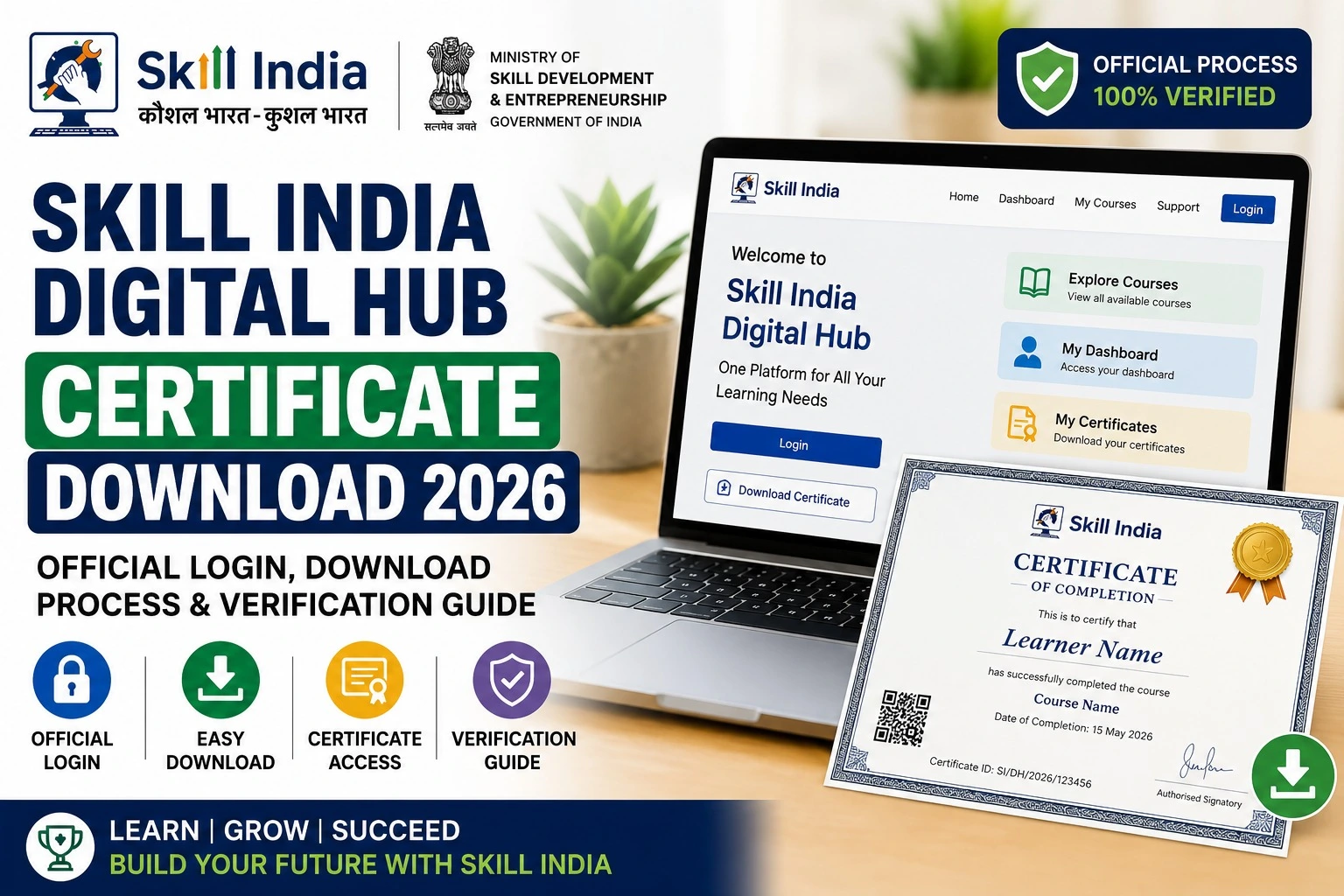
How to Download Skill India Digital Hub Certificate
Follow these simple steps to download your certificate.
Step 1: Visit the Official Portal
Open the official Skill India Digital Hub website.
Step 2: Login
Click Login and sign in using your registered mobile number or email ID.
Step 3: Open Dashboard
After login, access your learner dashboard.
Step 4: Go to Certificates
Click on the Certificates or Achievements section.
Step 5: Select Completed Course
Choose the course for which the certificate has been issued.
Step 6: Download PDF
Click Download Certificate and save the PDF file to your device.
How to Verify Skill India Digital Hub Certificate
Employers and institutions may verify certificates through the official portal.
Verification generally includes:
- Certificate Number
- Candidate Name
- Course Name
- Training Partner
- Completion Date
- QR Code (if available)
Always share only certificates downloaded from the official portal.
Information Available on the Certificate
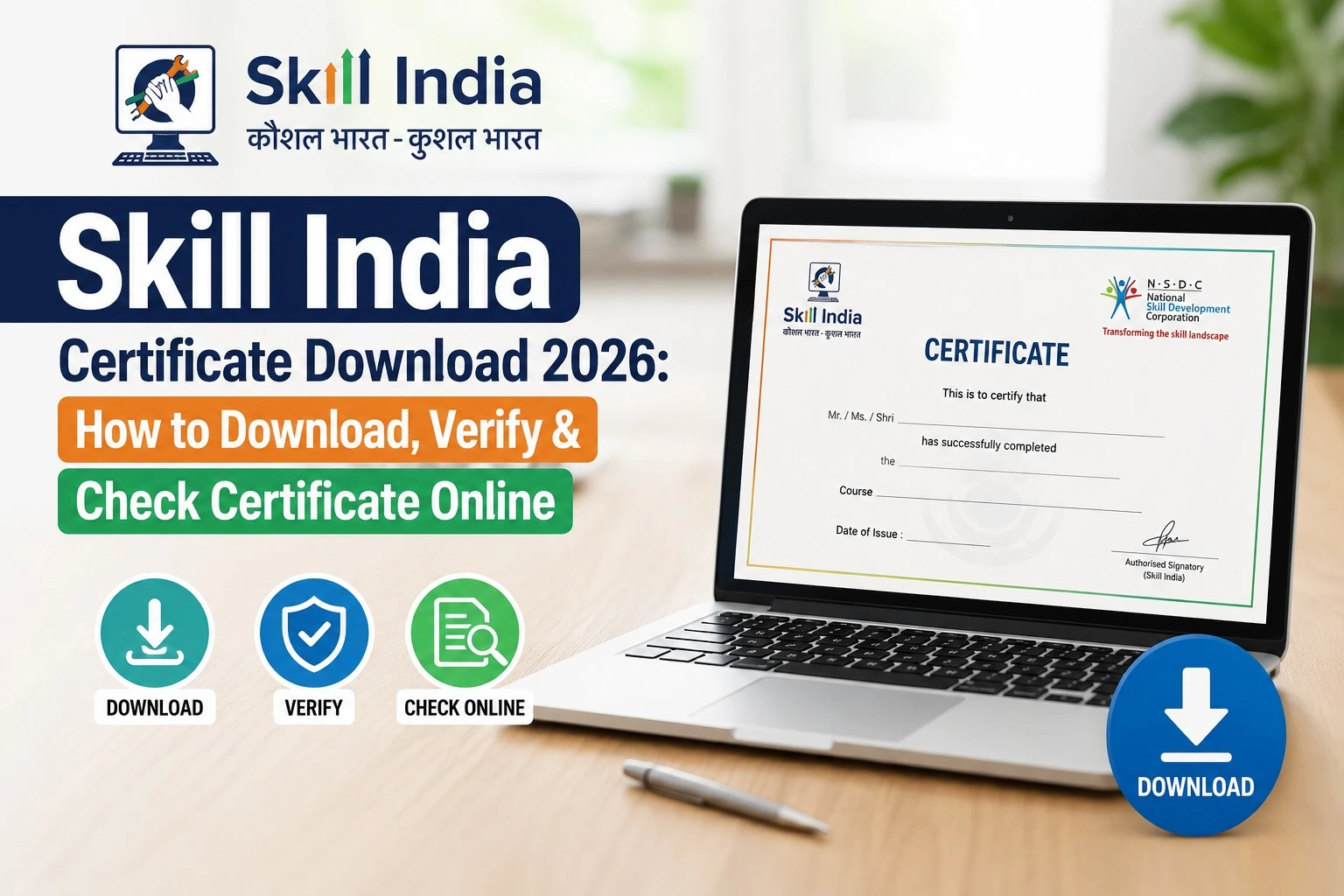
A typical Skill India Digital Hub certificate contains:
| Certificate Details |
| Candidate Name |
| Course Name |
| Training Partner |
| Certification Number |
| Completion Date |
| Government Logo |
| QR Code (Available for selected certificates) |
| Issuing Authority |
Benefits of Skill India Digital Hub Certificate
A government-recognized certificate offers several advantages.
Career Benefits
- Improves employability
- Enhances resume credibility
- Supports internship applications
- Useful during interviews
- Recognized by many employers
Learning Benefits
- Validates your acquired skills
- Demonstrates course completion
- Encourages continuous learning
- Helps build a digital learning profile
Common Certificate Download Problems
Sometimes users face issues while downloading certificates.
| Issue | Solution |
| Certificate Not Showing | Wait until course completion is verified |
| Login Error | Reset password or use OTP login |
| Download Button Missing | Refresh dashboard or check course status |
| Invalid Mobile Number | Login using the registered account |
| Website Slow | Try during non-peak hours or clear browser cache |
Tips Before Downloading Your Certificate
Before downloading, ensure that:
- Your profile details are correct.
- Your registered mobile number is active.
- Course status shows Completed.
- Internet connection is stable.
- Browser is updated.
Keeping your profile updated helps avoid delays in certificate generation.
Why Skill India Certificates Matter in 2026
India’s digital economy continues to create demand for skilled professionals across sectors such as IT, healthcare, manufacturing, retail, logistics, tourism, electronics, and financial services.
Government-recognized skill certificates can strengthen your profile by demonstrating verified training. While hiring decisions depend on each employer’s requirements, a recognized certificate can support applications by providing evidence of completed skill development.
Official Portal Links
| Service | Official Portal |
| Skill India Digital Hub | https://www.skillindiadigital.gov.in |
| Ministry of Skill Development & Entrepreneurship | https://www.msde.gov.in |
| National Skill Development Corporation (NSDC) | https://www.nsdcindia.org |
Frequently Asked Questions (FAQs)
Is the Skill India Digital Hub Certificate free?
Yes. Eligible learners who successfully complete qualifying courses can download their certificate without an additional download fee.
Can I download my certificate multiple times?
Yes. If available in your account, you can generally download the PDF again after logging into the portal.
Why is my certificate not available?
Your course may still be under assessment, pending verification, or may not yet have completed the certification process.
Is the certificate available in PDF format?
Yes. Most certificates are provided as downloadable PDF files through the learner dashboard.
Can employers verify the certificate?
Many Skill India certificates include verification details such as a certificate number or QR code, depending on the course and issuing authority.
Final Words
The Skill India Digital Hub Certificate Download 2026 process is simple once you have completed your course and logged into the official portal. By downloading your government-issued digital certificate, you gain documented proof of your skills that can be included in resumes, job applications, internships, and professional portfolios.
Always access the certificate through the official Skill India Digital Hub website, keep your learner profile updated, and ensure your course status is marked as completed before attempting to download. As new courses and digital services continue to be introduced, regularly checking your dashboard will help you stay informed about certificates, assessments, and career opportunities.