Introduction
The Skill India Digital Hub (SIDH) has become one of India’s largest government digital platforms for skill development, career opportunities, apprenticeships, internships, and free certification programs. Whether you are a student, job seeker, working professional, or entrepreneur, the portal allows you to access various services from a single dashboard.
If you have already registered on the platform, logging into your account gives you access to your profile, enrolled courses, certificates, assessments, internships, and job opportunities.
In this complete guide, you’ll learn how to log in to the Skill India Digital Hub Portal, manage your dashboard, update your profile, recover your password, and download certificates in 2026.
What is Skill India Digital Hub (SIDH)?
Skill India Digital Hub (SIDH) is the Government of India’s integrated digital platform developed under the Ministry of Skill Development and Entrepreneurship (MSDE). The portal connects learners, training partners, employers, assessment agencies, and government schemes through one centralized ecosystem.
Using a single account, candidates can:
- Register for government skill courses
- Learn online through NSDC-approved programs
- Apply for apprenticeships
- Search for jobs
- Download certificates
- Track learning progress
- Update personal profile
- Access digital credentials
Skill India Digital Hub Login Overview
| Particular | Details |
| Portal Name | Skill India Digital Hub (SIDH) |
| Department | Ministry of Skill Development & Entrepreneurship |
| Platform Type | Government Digital Skill Portal |
| Login Method | Mobile Number/Email + Password or OTP |
| Available Services | Courses, Dashboard, Certificates, Jobs, Internships |
| Certificate | Digital Certificate Available |
| Official Portal | https://www.skillindiadigital.gov.in |
Who Can Login?
The Skill India Digital Hub login is available for:
- Students
- Freshers
- Job Seekers
- Working Professionals
- ITI Students
- Polytechnic Students
- College Students
- Entrepreneurs
- Training Partners
- Assessors
- Employers
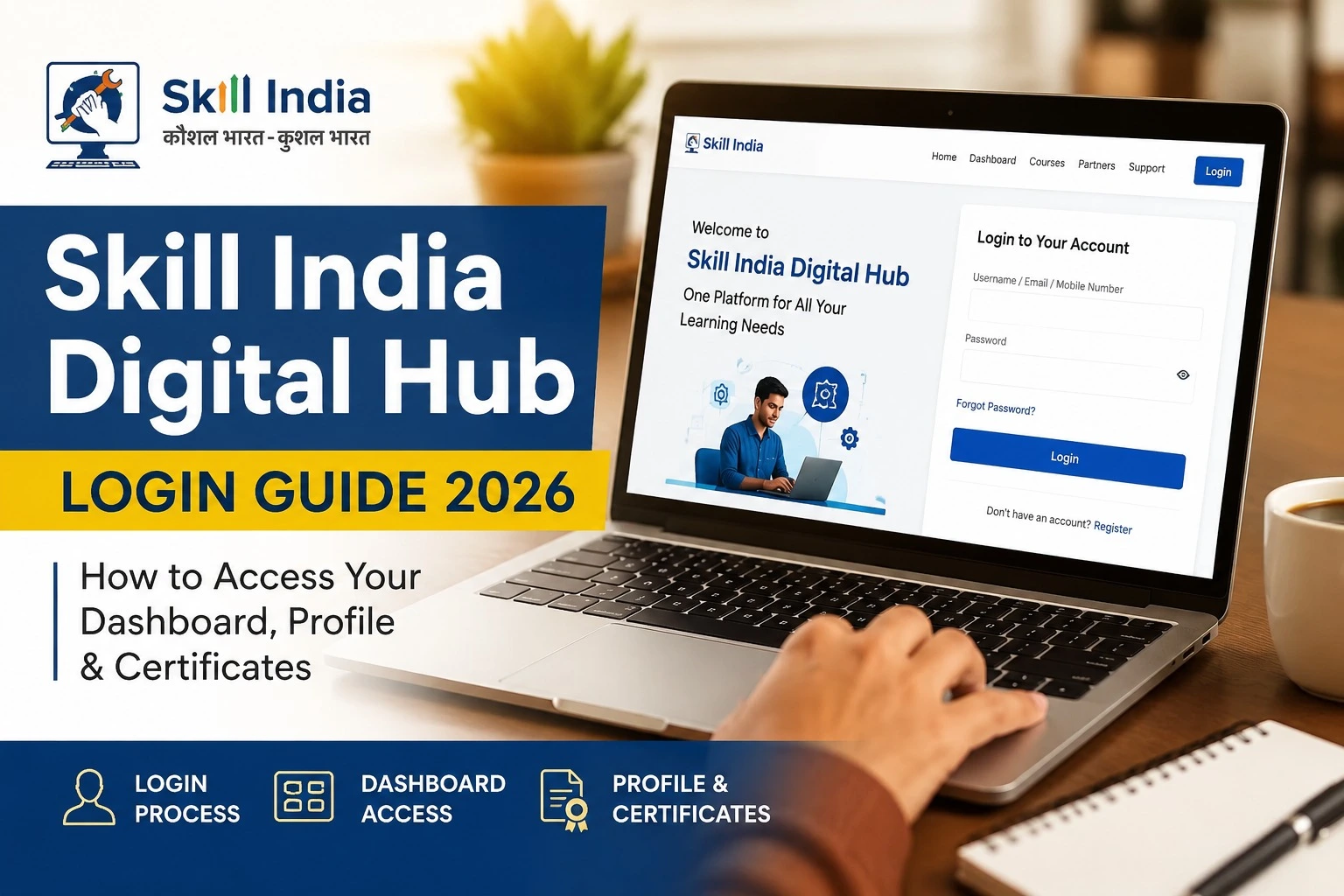
How to Login to Skill India Digital Hub (SIDH)
Follow these simple steps:
Step 1
Visit the official Skill India Digital Hub website.
Step 2
Click on the Login button available on the homepage.
Step 3
Enter your registered:
- Mobile Number
or - Email ID
Step 4
Enter your password or verify through OTP (if available).
Step 5
Click Login.
You will now be redirected to your personal Skill India Dashboard.
What Can You Access After Login?
Once logged in, your dashboard provides multiple services in one place.
Dashboard Features
- My Profile
- My Courses
- Learning Progress
- Certificate Download
- Digital Credentials
- Job Opportunities
- Internship Portal
- Apprenticeship Programs
- Assessments
- Skill Recommendations
- Notifications
- Account Settings
How to Update Your Profile
Keeping your profile updated increases your chances of getting relevant course and job recommendations.
You can update:
- Full Name
- Aadhaar-linked details (where applicable)
- Mobile Number
- Email Address
- Education Qualification
- Skills
- Work Experience
- Address
- Resume
- Profile Photo
Always verify the information before saving changes.
How to Download Skill India Certificate
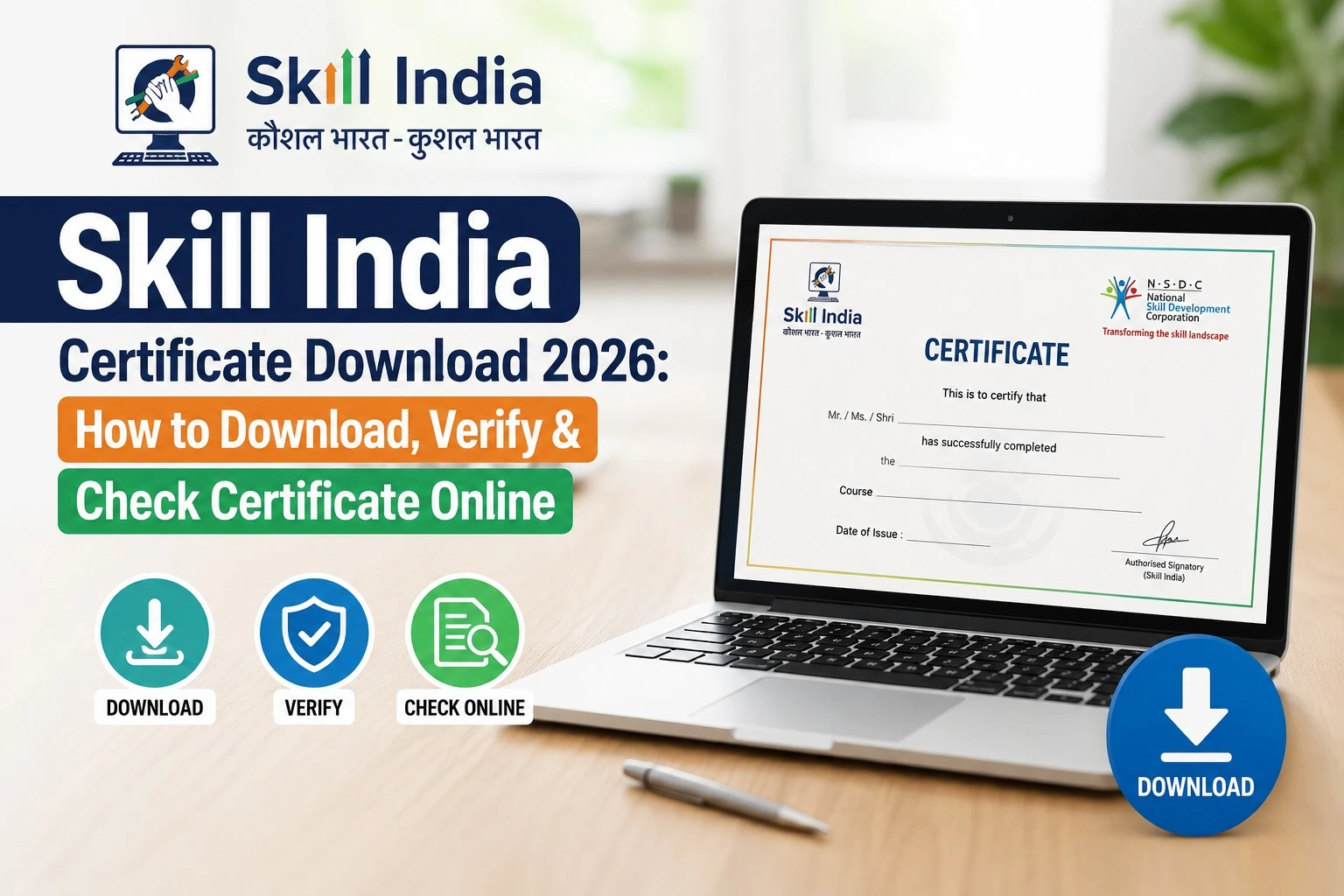
Candidates who successfully complete eligible courses can download their certificates directly from the dashboard.
Steps
- Login to your account.
- Open My Courses.
- Select the completed course.
- Click Certificate.
- Download the PDF.
- Save it for future use.
Certificates can be used while applying for jobs, internships, or higher education where accepted.
Forgot Password? Here’s How to Reset It
If you cannot log in, resetting your password is straightforward.
- Click Forgot Password.
- Enter your registered mobile number or email.
- Verify using the OTP.
- Create a new password.
- Log in again with the updated credentials.
Common Login Issues and Solutions
| Problem | Solution |
| Incorrect Password | Reset using the Forgot Password option |
| OTP Not Received | Wait a few minutes and request a new OTP |
| Mobile Number Changed | Update through account recovery if available |
| Slow Website | Try again during non-peak hours |
| Browser Error | Clear cache or use an updated browser |
| Session Expired | Log in again |
Benefits of Skill India Digital Hub Login
After logging in, users can enjoy several advantages:
- Access free government-approved courses
- Track learning progress in real time
- Download digital certificates
- Apply for apprenticeships
- Explore internship opportunities
- Search for jobs from participating employers
- Receive personalized course recommendations
- Manage all skill-related services through one dashboard
Documents Required During Registration
If you are creating a new account or updating your profile, keep these documents ready:
- Aadhaar Card (if required)
- Mobile Number
- Email ID
- Educational Certificates
- Passport Size Photograph
- Resume (optional)
- Identity Proof (where applicable)
Tips for Safe Login
To keep your account secure:
- Never share your OTP.
- Use a strong password.
- Log out after using a public computer.
- Keep your registered mobile number active.
- Update your email address if it changes.
Why Skill India Digital Hub Matters in 2026
India’s digital economy continues to create demand for skilled professionals across sectors. Platforms like Skill India Digital Hub simplify access to government-supported training, certifications, internships, and employment opportunities through a single digital interface.
By regularly logging into your account, you can stay informed about newly launched courses, industry-relevant skills, and career opportunities that match your profile.
Frequently Asked Questions (FAQs)
Is Skill India Digital Hub login free?
Yes. Creating an account and logging in to the portal is free.
Can I log in using my mobile number?
Yes. Registered users can typically log in using their mobile number or email ID, depending on the available sign-in options.
Can I download certificates after course completion?
Yes. Eligible course completion certificates can be downloaded from your dashboard.
Is the portal available across India?
Yes. Skill India Digital Hub serves users from all states and Union Territories.
Can I update my profile after registration?
Yes. Users can edit eligible profile details after logging in.
Final Words
The Skill India Digital Hub Login is the gateway to a wide range of government-supported skill development services. From enrolling in courses and tracking your learning progress to downloading certificates and exploring job opportunities, the portal brings everything together in one secure dashboard.
If you are a student, job seeker, or professional looking to upgrade your skills, keeping your SIDH profile updated and logging in regularly can help you discover new learning opportunities and stay connected with India’s evolving skill ecosystem.