Introduction
Skill India Digital Login 2026 is useful for learners who want to access skill development courses, training opportunities and other services available through the Skill India Digital platform. The platform brings different skilling services together so that learners can manage their training journey online.
If you are looking for the Skill India Digital login, registration process, or learner dashboard, this guide explains the process in simple steps.
What Is Skill India Digital?
Skill India Digital is a digital platform developed for India’s skilling ecosystem. It helps learners discover suitable skill courses, access training-related services and manage their information online.
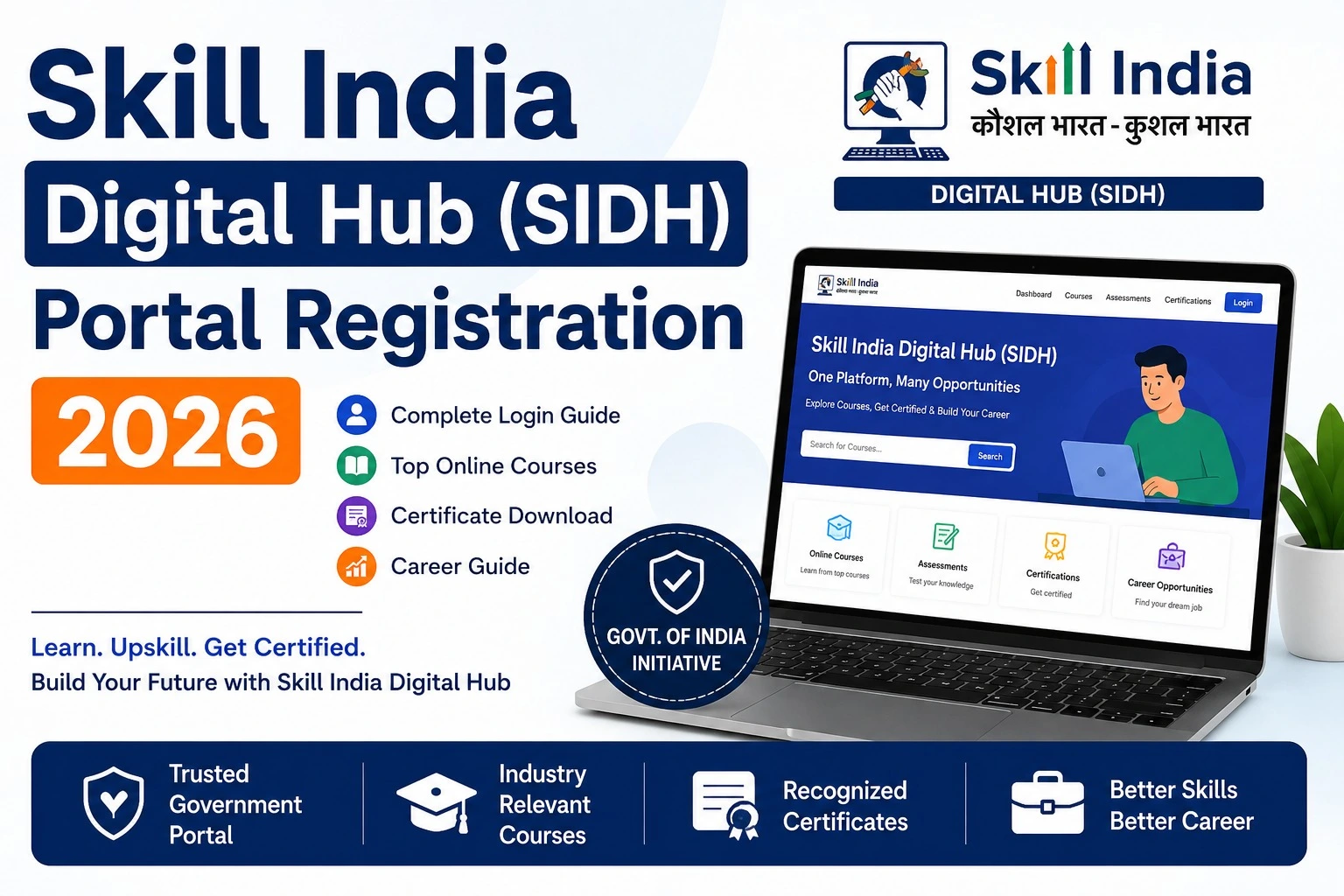
The platform is also known as the Skill India Digital Hub (SIDH). NSDC describes SIDH as a unified digital platform for the skilling and entrepreneurship ecosystem.
Learners can use the platform to explore available programmes and, where applicable, apply for training opportunities through their dashboard.
Skill India Digital Login 2026: Quick Details
| Details | Information |
| Portal | Skill India Digital |
| Login type | Learner/Participant |
| Main website | skillindiadigital.gov.in |
| Registration | Available for new users |
| Verification | Mobile OTP and e-KYC may be required |
| Dashboard | My Dashboard |
| Courses | Skill and training programmes |
| Platform | Skill India Digital Hub (SIDH) |
The official NSDC support documentation directs candidates to the Skill India Digital website for registration and login.
Skill India Digital Login Official Portal
Learners should use the official Skill India Digital website when accessing their account.
Official Portal:
Skill India Digital Official Portal
When you open the website, look for the Login option. For learner access, the platform provides a Learner/Participant option. NSDC’s e-KYC guidance specifically instructs users to select Learner/Participant after clicking Login.
How to Login to Skill India Digital
If you have already registered on the platform, follow these general steps:
- Open the official Skill India Digital website.
- Click on Login.
- Select the Learner/Participant option.
- Enter the required login details.
- Complete OTP verification if requested.
- After successful authentication, access your learner dashboard.
- Check your available courses, programmes and application information.
The exact screen or verification method can change when the portal is updated, so users should follow the instructions displayed on the official website.
Skill India Digital Registration 2026
New users need to register before using the learner services.
According to the official NSDC registration guidance, a new user can select Register on the Skill India Digital portal. The registration process includes mobile OTP verification, setting an account password or PIN and completing Aadhaar-based e-KYC where required.
Registration Process
Step 1: Visit the official Skill India Digital portal.
Step 2: Select Register if you are a new user.
Step 3: Enter your registered mobile number and complete the OTP verification.
Step 4: Set the required account password or PIN.
Step 5: Complete the required e-KYC process.
Step 6: After successful verification, access your dashboard.
The official support guide states that an OTP may be sent to the mobile number used during registration and that Aadhaar-linked mobile verification can be required for e-KYC.
What Can You Do After Skill India Digital Login?
After completing registration and the required verification, learners can use the dashboard to explore available programmes.
Depending on the scheme and eligibility, users may be able to:
- Search for skill development courses
- View available training programmes
- Check scheme-related information
- Find suitable job roles
- View available batches
- Show interest in eligible batches
- Track application information
- Complete or update required profile details
For example, NSDC’s candidate guide explains that learners can use My Dashboard to view available skill courses and can access programmes such as PMKVY 4.0 where applicable.
How to Find Skill India Courses
After logging in, learners can check the course and programme options available on their dashboard.
The official candidate enrollment guidance explains that users can search for schemes, select relevant job roles and view available batches. Eligible candidates can then select a batch and show interest in it.
For users specifically looking for courses, the official Skill India Digital course website also provides a Search for a course facility.
Official Course Search:
Skill India Digital Courses
Skill India Digital e-KYC
e-KYC is an important part of the account process for eligible users. Aadhaar verification may be required to complete the learner profile and access certain services.
The official NSDC documentation also provides a biometric e-KYC option in Skill India Digital for users who need to complete verification through biometric authentication.
Users should make sure that the information entered during verification is accurate. If an OTP is required, use the mobile number associated with the relevant verification process.
What If Skill India Digital Login Is Not Working?
Sometimes users may face problems while logging in or completing registration. Before trying again, check the following:
- Make sure you are using the official website.
- Check your internet connection.
- Enter the correct mobile number and login details.
- Wait for the OTP and enter the latest OTP received.
- Make sure your e-KYC process is completed if required.
- Refresh the website if a course or job role is not appearing.
- Try again later if the portal is temporarily unavailable.
For problems related to a specific scheme, course or batch, checking the official NSDC support information is better than relying on unofficial login websites.
Important Points Before Using Skill India Digital
The Skill India Digital portal may update its services, course listings and application processes from time to time. Therefore, users should always check the latest information shown on the official portal before submitting an application.
Also, do not share your OTP, password or other account security information with another person.
Conclusion
Skill India Digital Login 2026 provides learners with access to the Skill India Digital platform and its skilling-related services. New users can register through the official portal, complete the required verification and then use the learner dashboard to explore suitable programmes.
For the safest experience, always use the official Skill India Digital website and verify course, eligibility and application details before applying. The official NSDC support pages can also be used when you need help with registration, e-KYC or course enrollment.