

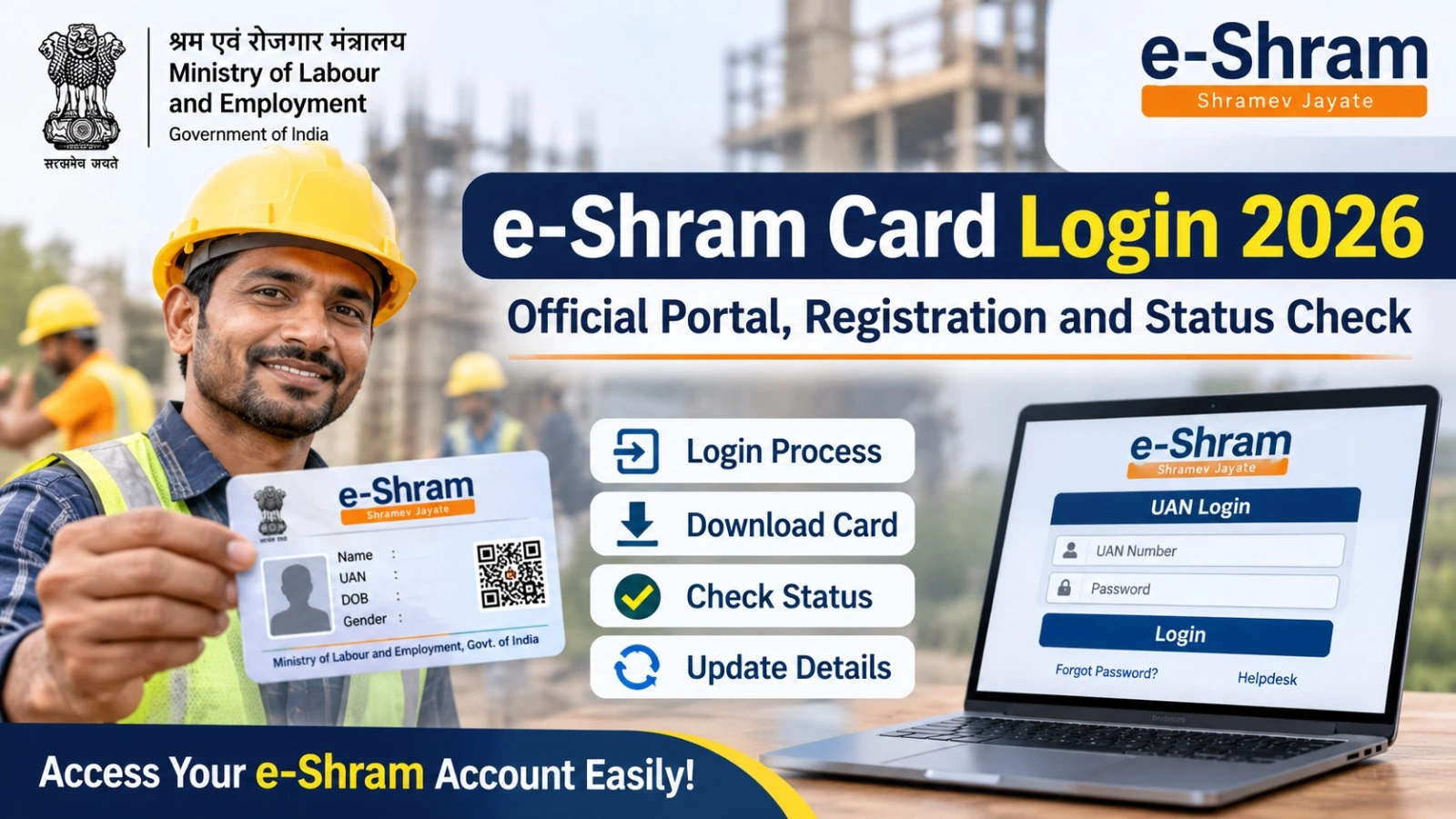
Workers registered under the e-Shram scheme can use the official portal to access their registration details, update personal information and download their e-Shram card. The online facility helps unorganised workers manage their profiles without repeatedly visiting a registration centre.
The e-Shram Card Login facility is available through the official website of the Ministry of Labour and Employment, Government of India. Registered workers can use their Universal Account Number (UAN) and the required authentication process to access relevant services.
If you are looking for the e-Shram Card Login 2026 link, here is a simple guide covering the official website, login process, card download, registration and status-related information.
e-Shram Card Login 2026: Official Website
The e-Shram portal is designed to create a National Database of Unorganised Workers (NDUW). Registered workers receive a 12-digit Universal Account Number (UAN), which acts as their unique identification number on the platform.
Workers can visit the official website to access registration and profile-related services.
Official Website: https://eshram.gov.in/
UAN Login: https://register.eshram.gov.in/#/user/uan-login
How to Login to the e-Shram Card Portal?
Workers who have already registered can follow these steps:
- Visit the official e-Shram website.
- Select the login option for already registered workers or the relevant UAN login service.
- Enter your registered details or UAN as requested.
- Complete the OTP or other verification process displayed on the portal.
- After successful authentication, access the available account services.
- Check your profile and use the available card download or update options.
The exact login route may depend on the service you want to access.
How to Download e-Shram Card Online?
Registered workers can access their UAN card through the official portal.
Follow these steps:
- Open the e-Shram official website.
- Select the already registered or login option.
- Complete the required authentication.
- Open your profile or UAN card section.
- Select the download option if available.
- Save the card in PDF format for future reference.
Keep a digital copy of your card and check whether your personal details are correct.
How to Check e-Shram Registration Status?
If you have completed registration and want to verify your details, visit the official e-Shram portal and use the relevant registered-user service.
Complete the authentication requested by the website and check your profile information. If you cannot access your account or find your registration details, contact the official helpdesk or visit a Common Service Centre (CSC).
Important e-Shram Portal Details
| Particulars | Information |
| Scheme | e-Shram |
| Ministry | Ministry of Labour and Employment |
| Beneficiaries | Eligible unorganised workers |
| Identification Number | 12-digit UAN |
| Application Mode | Online |
| Registration Fee | Free |
| Official Portal | eshram.gov.in |
| Helpdesk | 14434 / 1800-889-6811 |
How to Update Details on the e-Shram Portal?
Workers can update eligible personal information through the portal or an authorised CSC.
Common details that may be updated include:
- Mobile number
- Current residential address
- Occupation
- Educational qualification
- Skill information
- Other eligible profile details
If your registered mobile number has changed, use the official Aadhaar-based profile update facility or visit a nearby CSC for assistance.
What to Do If e-Shram Login Is Not Working?
Sometimes workers may face OTP errors, website loading problems or authentication issues.
Try these steps:
- Check your internet connection.
- Enter the correct UAN or registered details.
- Verify that your mobile number is active.
- Request a fresh OTP if the portal allows it.
- Try another browser or device.
- Visit a nearby CSC if you cannot complete online authentication.
For assistance, contact the e-Shram helpdesk at 14434.
Frequently Asked Questions
1.What is the official e-Shram Card Login website?
The official website is https://eshram.gov.in/.
2.Can I download my e-Shram card online?
Yes. Registered workers can access the UAN card download facility after completing the required authentication.
3.What is the UAN number on an e-Shram card?
UAN stands for Universal Account Number. It is a unique 12-digit identification number issued to registered workers.
4.Is e-Shram registration free?
Yes. Registration on the official e-Shram portal is free.
5.Can I update my mobile number on e-Shram?
Yes. Workers can use the official profile update facility or visit a nearby CSC for assistance.
Conclusion
The e-Shram Card Login facility helps registered unorganised workers access their account information, download their UAN card and update eligible personal details. Workers should always use the official government portal and avoid sharing OTPs or personal information with unauthorised websites.
For the latest instructions and available services, visit the official e-Shram portal regularly.