Introduction
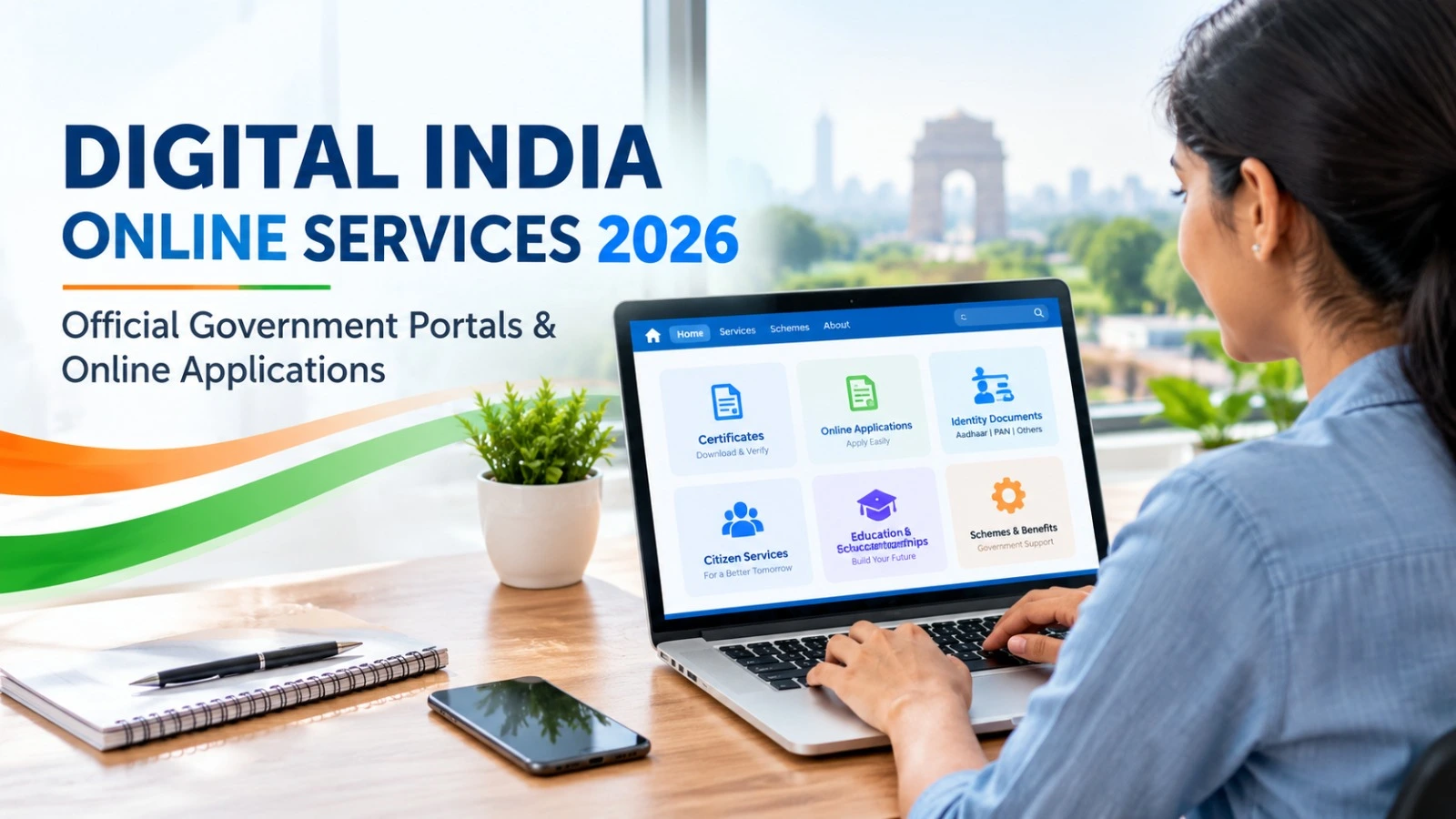
Digital India Online Services make it easier for citizens to access government information, documents, welfare schemes and public services through the internet. Instead of visiting multiple government offices for basic information, people can use official portals to check eligibility, submit applications, download documents and track service requests.
In 2026, several government platforms offer online services for students, job seekers, farmers, pensioners and other citizens. This guide covers important Digital India online services, their official websites and how to use them safely.
What Are Digital India Online Services?
Digital India is a Government of India programme launched in July 2015 to expand digital access and improve the delivery of public services. Its initiatives support online governance, digital documents and easier access to government information.
Citizens can use different portals depending on their requirements. Some platforms provide access to multiple services, while others focus on specific needs such as identity documents, government schemes or employment opportunities.
Important Digital India Government Portals in 2026
The following table lists useful official websites for accessing government services online.
| Government Portal | Main Purpose | Official Website |
| National Portal of India | Government information and public services | india.gov.in |
| UMANG | Central and state government services | web.umang.gov.in |
| DigiLocker | Access and verification of digital documents | digilocker.gov.in |
| myScheme | Find government schemes and check eligibility | myscheme.gov.in |
| National Government Services Portal | Search services by category and location | services.india.gov.in |
| Aadhaar | Aadhaar-related services and information | uidai.gov.in |
| Passport Seva | Passport applications and related services | passportindia.gov.in |
| National Career Service | Employment services for job seekers | ncs.gov.in |
The availability of a particular service, its application requirements and processing time depend on the concerned department.
1. UMANG: Access Multiple Government Services
UMANG (Unified Mobile Application for New-age Governance) provides access to various central and state government services through a single platform.
Users can explore available services, government schemes, application information and selected utility services. The platform is available through its official website and mobile application.
How to use UMANG:
- Visit web.umang.gov.in.
- Register or sign in if required.
- Search for the service you need.
- Read the eligibility criteria and instructions.
- Complete the application or transaction if the service supports it.
2. DigiLocker: Access Digital Documents
DigiLocker helps users access authentic digital documents and certificates issued by participating organisations. Depending on the issuing authority, available records may include educational certificates, driving licences and vehicle registration documents.
Visit DigiLocker to create an account or sign in. Search for the relevant issuer and retrieve documents using the available instructions.
Always check whether the organisation requesting your documents accepts the specific digital record for your intended purpose.
3. myScheme: Find Government Schemes
People often miss government benefits because they do not know which scheme suits their circumstances. The myScheme portal helps users discover schemes offered by central and state governments.
Visit myscheme.gov.in to explore schemes based on categories and eligibility information.
Before applying, read the official guidelines carefully. Income limits, age requirements, documents and application deadlines can differ between schemes.
4. National Government Services Portal
The National Government Services Portal helps citizens search for online services offered by government departments. Services cover areas such as education, health, employment, transport, pensions and agriculture.
Visit services.india.gov.in and search by keyword, category or location. Check the service description to understand whether the application can be completed online or requires an additional step.
How to Apply for Government Services Online
Although the process differs between portals, these steps can help you get started:
- Open the official website: Check the domain and confirm that it belongs to the relevant government department.
- Check eligibility: Read the requirements before beginning an application.
- Keep documents ready: You may need identity details, certificates, photographs or other supporting documents.
- Register or sign in: Use the required account and verification process.
- Submit accurate information: Review your details before submitting the form.
- Save the acknowledgement: Keep the application number or receipt to track progress.
Some services are free, while others may have official application or processing fees. Check the department’s published fee information before making a payment.
Important Safety Tips for Citizens
Use verified government websites rather than unknown links shared through messages or social media. Never share your OTP, password or banking PIN with another person. Avoid paying unofficial agents who promise guaranteed approval of government benefits.
If a portal is unavailable, check the relevant department’s official website for updates or alternative application methods.
Conclusion
Digital India Online Services help citizens find government information, access digital documents, explore welfare schemes and use public services online. Platforms such as UMANG, DigiLocker, myScheme and the National Government Services Portal are useful starting points.
For accurate information in 2026, always confirm eligibility, fees, application dates and document requirements on the relevant official portal before submitting an application.