Introduction
If you have successfully completed a course on the Skill India Digital Hub (SIDH) portal, downloading your certificate is the final and most important step. A Skill India certificate can strengthen your resume, showcase your newly acquired skills, and may be useful while applying for internships, apprenticeships, higher education, or jobs.
This complete guide explains how to download your Skill India Digital Hub (SIDH) Certificate in 2026, who is eligible, where to find the certificate, common issues during download, and important tips every learner should know. Whether you are a student, fresher, ITI trainee, or working professional, this guide covers everything in one place.
What is the Skill India Digital Hub (SIDH) Certificate?
The Skill India Digital Hub (SIDH) Certificate is a digital certificate issued to eligible learners after they successfully complete a course or assessment on the Skill India Digital platform. Depending on the training provider and the course, certificates may be available after meeting the required completion criteria.
The certificate acts as proof that you have completed a particular skill development program and can be added to your resume, LinkedIn profile, or job applications where appropriate.
Skill India Digital Hub Certificate Download 2026: Overview
| Particular | Details |
| Portal Name | Skill India Digital Hub (SIDH) |
| Service | Certificate Download |
| Mode | Online |
| Managed By | Ministry of Skill Development and Entrepreneurship (MSDE) |
| Beneficiaries | Students, Freshers, Professionals & Job Seekers |
| Login Method | Mobile Number / Email with OTP |
| Certificate Format | Digital PDF (where available) |
| Official Website | https://www.skillindiadigital.gov.in |
Who Can Download the SIDH Certificate?
You may be able to download your certificate if:
- You have successfully registered on Skill India Digital Hub.
- You completed an eligible course.
- You passed any required assessments (if applicable).
- Your training provider has issued the certificate.
- Your learner profile is complete.
Note: Not every course automatically provides a certificate. Availability depends on the specific course and training partner.
Documents and Information Required
Keep the following details ready before logging in.
| Requirement | Purpose |
| Registered Mobile Number | OTP Login |
| Registered Email ID | Alternative Login |
| Internet Connection | Access Portal |
| Device (Mobile/Laptop) | Download Certificate |
| PDF Reader | Open Downloaded Certificate |
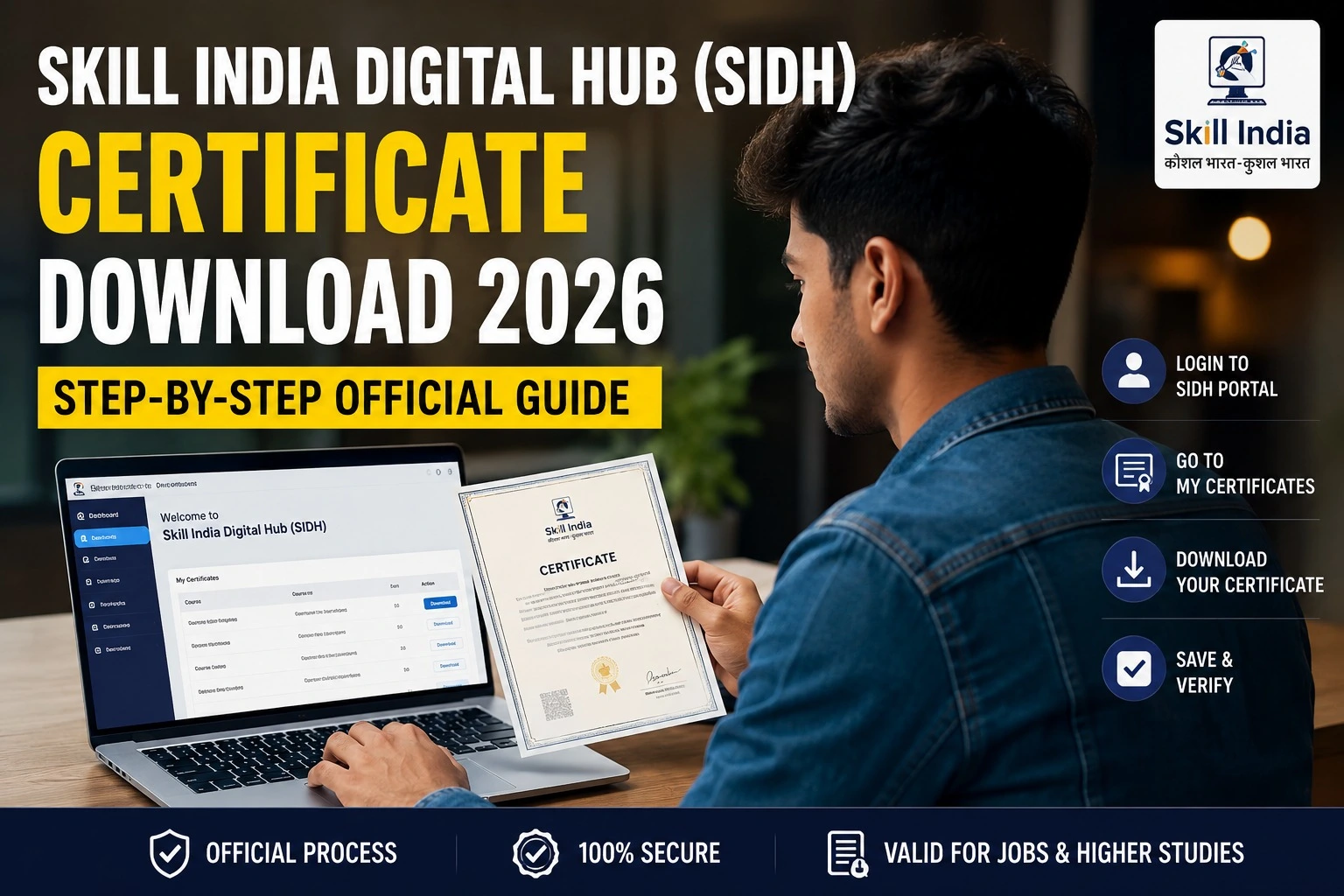
How to Download Skill India Digital Hub (SIDH) Certificate 2026
Follow these simple steps.
Step 1: Visit the Official Portal
Open the official Skill India Digital Hub website.
Step 2: Click Login
Choose the Login option available on the homepage.
Step 3: Verify Your Account
Enter your registered mobile number or email ID and complete OTP verification.
Step 4: Open Your Dashboard
After logging in, your learner dashboard will appear.
Step 5: Navigate to Certificates
Open the Certificates, Completed Courses, or similar section if available for your course.
Step 6: Download Certificate
If your certificate has been issued, click Download to save the PDF on your device.
Step 7: Verify Details
Before using the certificate, check that your name, course title, training provider, and completion details are correct.
Features of the Skill India Certificate
The certificate may include:
- Learner’s Name
- Course Name
- Training Provider
- Completion Status
- Certificate Number (where applicable)
- QR Code or Verification Details (if provided)
- Issue Date
The exact format varies depending on the course and issuing organization.
Benefits of the Skill India Digital Hub Certificate
Improves Your Resume
A certificate demonstrates that you have completed a recognized skill development course.
Supports Job Applications
Employers often value practical skills alongside academic qualifications.
Encourages Continuous Learning
Completing certified courses motivates learners to continue upgrading their skills.
Easy Digital Access
Certificates are available online for eligible learners, making them easier to store and access.
Common Reasons Why the Certificate Is Not Showing
Sometimes learners cannot find their certificate immediately.
Possible reasons include:
- Course is still in progress.
- Assessment has not been completed.
- Certificate has not yet been issued.
- Profile information is incomplete.
- Technical maintenance on the portal.
- Training partner has not finalized results.
If the issue continues, contact the support section available on the official portal.
Popular Courses Available on Skill India Digital Hub
The platform regularly offers courses across multiple industries, such as:
- Artificial Intelligence
- Digital Marketing
- Data Analytics
- Information Technology
- Cyber Security
- Healthcare
- Electronics
- Banking & Finance
- Retail
- Agriculture
- Tourism & Hospitality
- Entrepreneurship
- Communication Skills
- Soft Skills
Course availability may change over time.
Important Official Links
| Service | Official Information |
| Skill India Digital Hub Portal | https://www.skillindiadigital.gov.in |
| Student Registration | Available on the official portal |
| Login | Official Login Page |
| Learner Dashboard | Available after login |
| Course Enrollment | Dashboard Section |
| Certificate Download | Available for eligible completed courses |
| Help & Support | Support section on the official portal |
Tips Before Downloading Your Certificate
- Always log in using your registered mobile number or email.
- Complete your learner profile before enrolling in courses.
- Ensure your course status is marked as completed.
- Verify your personal information before downloading.
- Save both a digital and backup copy of your certificate.
Frequently Asked Questions (FAQs)
Is Skill India Digital Hub Certificate Download free?
Yes. Eligible learners can download available certificates through the official portal without an additional download fee.
Can I download the certificate on my mobile?
Yes. The portal can be accessed on most modern smartphones, tablets, and computers.
Why is my certificate not available?
Certificates may not appear until the course, assessment, or verification process has been completed by the training provider.
Is the certificate available in PDF format?
Eligible certificates are generally provided as downloadable digital documents.
Can I use the certificate while applying for jobs?
You may include eligible Skill India certificates in your resume or job applications where relevant to the role.
Final Words
The Skill India Digital Hub (SIDH) Certificate Download 2026 process is straightforward once you have completed an eligible course and your certificate has been issued. The Skill India Digital platform brings learning, assessments, and certificates together in one place, making it easier for students and job seekers to showcase their skills.
If you have recently completed a course, log in to the official Skill India Digital Hub portal, check your learner dashboard, and download your certificate if it is available. Always rely on the official website for the latest updates, course information, and learner support.