Introduction
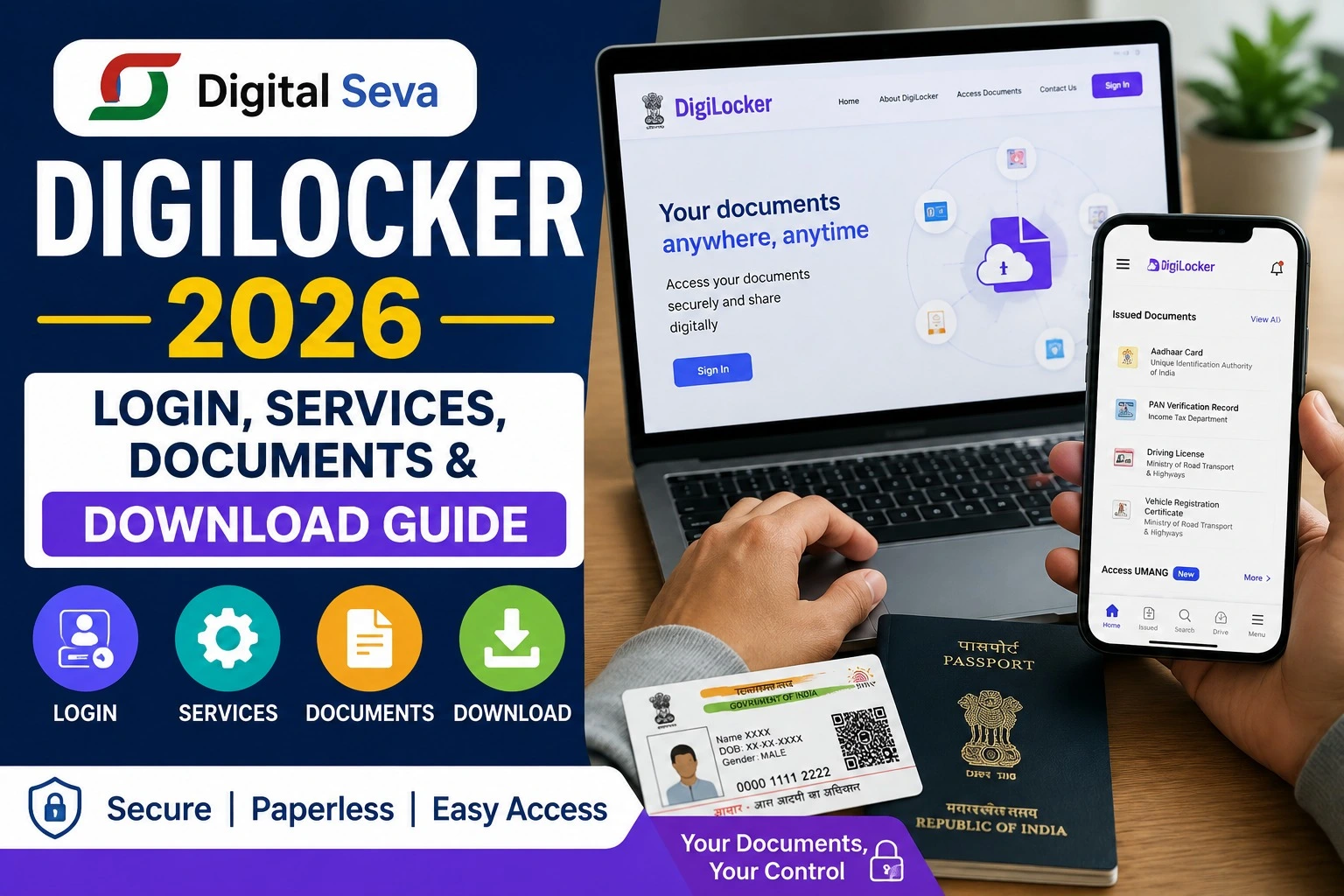
DigiLocker has become one of the most useful digital services for Indian citizens who want to access important documents without carrying physical copies everywhere. Through the official DigiLocker platform, users can access, store, share and verify digital documents issued by participating government departments, educational institutions and other authorized organizations.
If you are searching for Digital Seva DigiLocker 2026, DigiLocker login, DigiLocker documents, DigiLocker download, DigiLocker registration or how to get certificates online, this complete guide explains the process in simple language.
What Is DigiLocker?
DigiLocker is a flagship initiative of the Ministry of Electronics and Information Technology (MeitY) under the Digital India programme. It provides citizens with a secure digital document wallet for accessing authentic electronic documents.
According to the official DigiLocker website, the platform currently reports 70+ crore registered users and 900+ crore issued documents.
Unlike ordinary cloud storage, documents available under Issued Documents are fetched from the respective issuing authority. This makes them different from documents that a user simply uploads to their DigiLocker Drive.
DigiLocker 2026: Important Details
| Particular | Details |
| Portal | DigiLocker |
| Official Website | DigiLocker Official Portal |
| Ministry | Ministry of Electronics & Information Technology |
| Programme | Digital India |
| Main Purpose | Digital document access, storage, sharing and verification |
| Login | Mobile/Aadhaar-based account authentication options |
| Documents | Government, education, transport and other issued documents |
| App | Official DigiLocker mobile application |
| Latest Portal Update | July 2026 |
DigiLocker Login 2026: How to Login
Citizens can access DigiLocker through the official website or mobile application.
Steps to complete DigiLocker login:
- Visit the official DigiLocker portal.
- Select Login/Register.
- Enter the required mobile or account details.
- Complete the OTP or authentication process.
- After successful verification, the DigiLocker dashboard will open.
- Go to Issued Documents to view documents already fetched from government departments and other issuers.
For security, users should always check that they are using the official digilocker.gov.in domain before entering personal information. DigiLocker itself identifies this as its official access URL.
DigiLocker Registration 2026
New users can create a DigiLocker account using the registration facility available on the official portal.
A verified account is particularly important when accessing documents that require identity authentication. DigiLocker states that access to verified documents requires an Aadhaar-verified account.
During registration, users may need details such as their name, date of birth, gender, mobile number and email ID, depending on the registration flow.
Once the account is created, users can use the dashboard to browse issuers, fetch documents and manage their digital records.
Which Documents Are Available on DigiLocker?
The exact documents available depend on whether the relevant department or institution is integrated with DigiLocker. The official platform lists document categories covering identity, education, transport, government services, health, skill development and other areas.
Some commonly available documents include:
- Driving Licence
- Vehicle Registration Certificate (RC)
- Class 10 marksheet
- Educational certificates
- Identity-related documents
- Ration Card
- Caste Certificate
- Government certificates
- Various academic records
The official DigiLocker document directory should be checked for the latest issuer and document availability.
How to Get Documents in DigiLocker
After login, users can use the Browse Documents or relevant document search option.
The general process is:
Login → Browse Documents → Select Issuer → Select Document → Enter Required Details → Get Document
Once successfully fetched, the document normally appears under Issued Documents.
DigiLocker explains that issued documents are provided electronically by government agencies or other integrated issuers, while documents uploaded personally by users are separate.
DigiLocker Document Download
Users can open an issued document from their account and use the available view/download option where supported.
It is important to understand the difference between a downloaded copy and an uploaded document. An issued document is linked to the issuing authority, whereas an uploaded PDF or image is simply a file stored by the user.
DigiLocker also maintains an Activity section that records actions such as uploading, downloading and sharing documents.
Digital Driving Licence and RC on DigiLocker
One of DigiLocker’s useful services is its integration with the Ministry of Road Transport and Highways (MoRTH).
Eligible users can fetch their digital Driving Licence and Registration Certificate from the relevant transport database. DigiLocker says these documents can be accessed on desktop and mobile devices.
For fetching these records, the information in the Aadhaar record needs to match the relevant details in the transport database. If the details do not match, the document may not be retrieved successfully.
Are DigiLocker Documents Valid?
This is one of the most common questions about DigiLocker.
According to DigiLocker’s official information, issued documents available through the platform are treated at par with their physical originals under the applicable Information Technology Rules.
However, users should distinguish between officially issued documents and files they personally upload to DigiLocker Drive. The latter do not automatically become government-issued documents merely because they are stored on the platform.
DigiLocker Services at a Glance
| Service | What You Can Do |
| Login/Register | Access your DigiLocker account |
| Issued Documents | View documents received from issuers |
| Browse Documents | Find participating departments and issuers |
| DigiLocker Drive | Store personally uploaded files |
| Document Sharing | Share supported digital documents |
| Verification | Allow documents to be verified |
| Activity | Check account activities |
| Mobile Access | Use DigiLocker on smartphones |
DigiLocker Login or Document Not Showing?
If a document is not visible, do not immediately assume that your DigiLocker account is faulty. The issuing department must first provide the relevant record through its DigiLocker integration.
Try these steps:
- Check whether the department is listed as an issuer.
- Verify the information entered while fetching the document.
- Make sure your name and other details match the issuer’s records.
- Check the Issued Documents section again.
- If the problem continues, use the official DigiLocker support or feedback facility.
For transport documents, DigiLocker’s FAQ specifically notes that matching Aadhaar and transport-record details is important when fetching a Driving Licence or RC.
DigiLocker 2026: Official Links
| Purpose | Official Link |
| DigiLocker Home | Open DigiLocker |
| Login/Register | DigiLocker Login & Registration |
| Issued Documents | DigiLocker Documents |
| FAQ | DigiLocker FAQ |
| About DigiLocker | About DigiLocker |
Frequently Asked Questions
Is DigiLocker free?
DigiLocker provides its core digital document services through the official platform. Users should rely on the official website or application for current service information.
Can I download my documents from DigiLocker?
Yes, supported issued documents can be opened and downloaded using the options provided in the DigiLocker account.
Is a DigiLocker document the same as an uploaded PDF?
No. An Issued Document is fetched from an integrated issuer, while an uploaded PDF or image is a file personally added to DigiLocker Drive.
Can I use DigiLocker documents for government and other services?
DigiLocker is designed to facilitate the secure sharing and verification of authentic digital documents. Acceptance can depend on the particular service or organization, so users should follow the requirements of the concerned authority.
Final Words
Digital Seva DigiLocker 2026 makes it easier for citizens to manage important documents digitally. Instead of repeatedly searching for physical certificates, users can access participating government-issued records through one secure platform.
For the safest experience, always use the official DigiLocker website or official mobile application, keep your account information secure, and check the Issued Documents section when looking for an authentic digital record.
As DigiLocker continues to expand its network of issuers and digital services, it remains an important part of India’s paperless Digital India ecosystem.