

Introduction
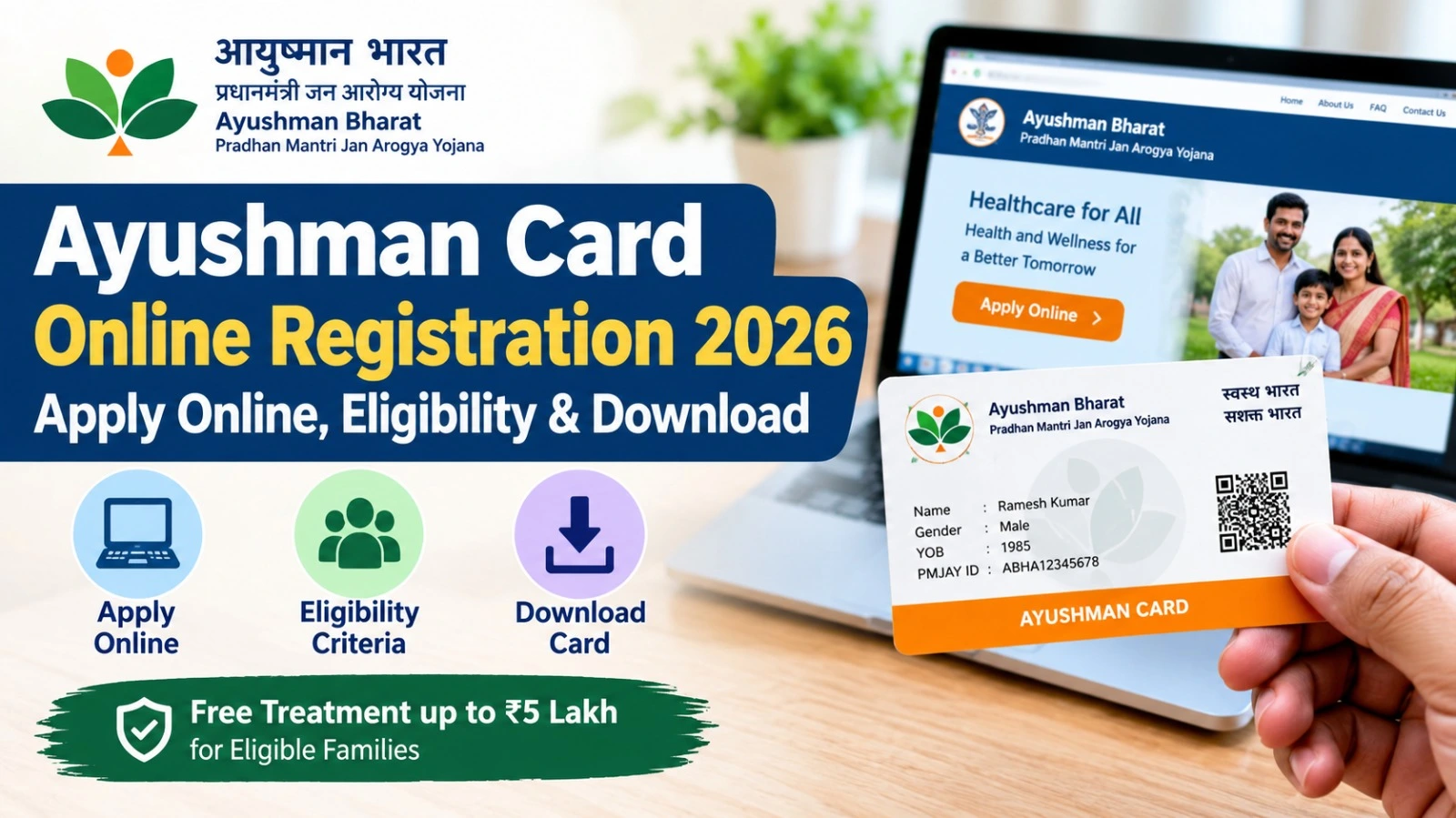
The Ayushman Card Download 2026 facility allows eligible beneficiaries to access their Ayushman Bharat health card online through the official government portal. Under the Pradhan Mantri Jan Arogya Yojana (PM-JAY), eligible families can receive cashless hospitalisation coverage of up to ₹5 lakh per family per year at empanelled hospitals.
Beneficiaries who have completed their verification can download their Ayushman Card using a mobile phone or computer. The online facility also allows users to check their eligibility, complete Aadhaar e-KYC and track card approval status.
If you want to download your PM-JAY health card, follow the simple process explained below.
Ayushman Card Download 2026: Official Website
The National Health Authority (NHA) provides an online beneficiary portal for checking eligibility and accessing Ayushman Card services.
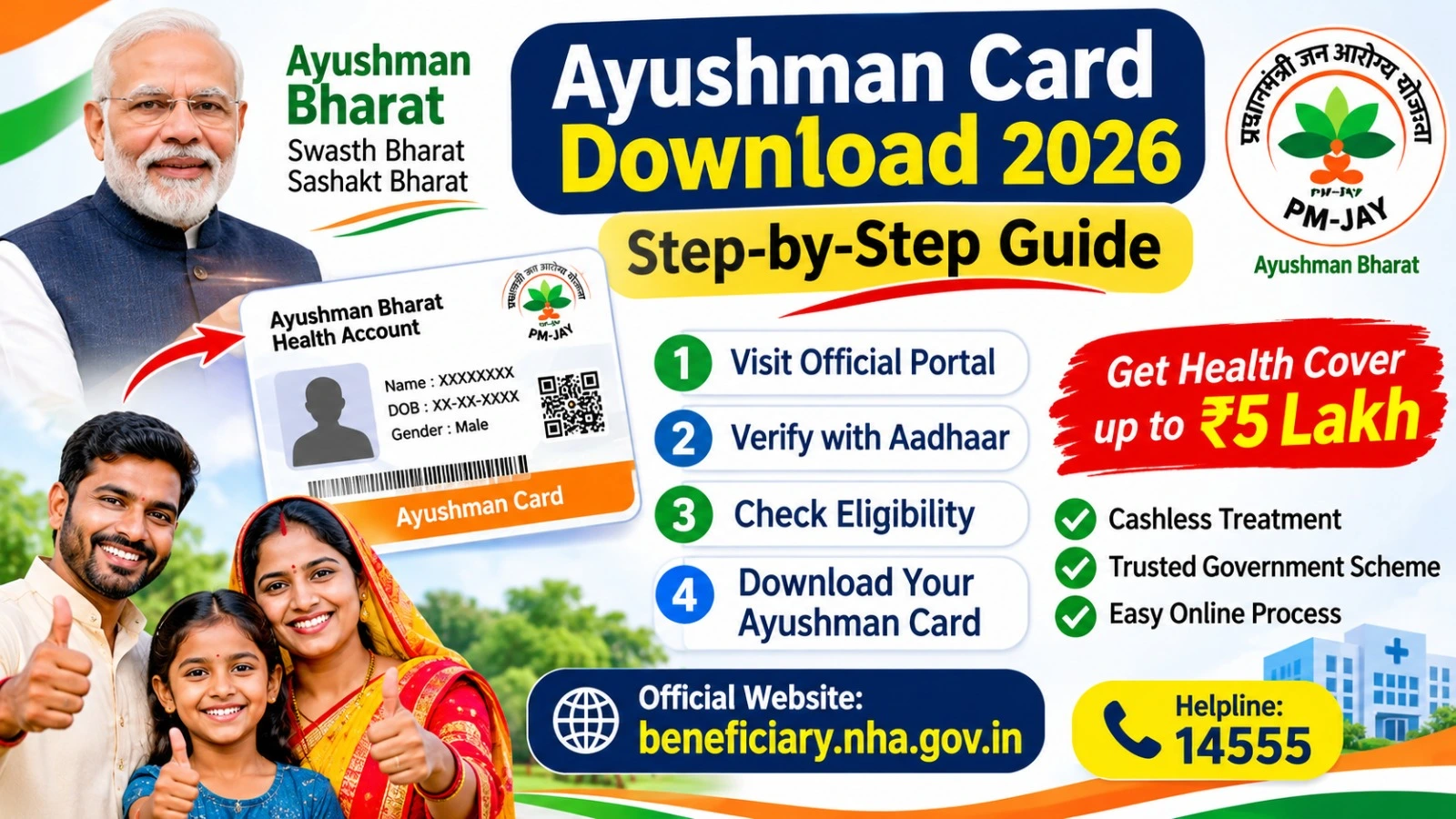
Official Website: https://beneficiary.nha.gov.in/
You can use this portal to search for beneficiary details, complete e-KYC and download your approved Ayushman Card.
How to Download Ayushman Card Online in 2026?
Follow these steps to download your Ayushman Bharat card online.
Step 1: Visit the Official Portal
Open the official website https://beneficiary.nha.gov.in/ using your mobile phone or computer.
Step 2: Select Beneficiary Login
Choose the Beneficiary login option and enter your mobile number. Complete the captcha and verify your number using the OTP received on your phone.
Step 3: Search Your Beneficiary Details
After logging in, select your state and the relevant scheme details. Search for your beneficiary record using an available option such as Aadhaar number, family ID or other supported identification details.
Step 4: Complete Aadhaar e-KYC
If your e-KYC is pending, select your beneficiary record and complete the identity verification process. Depending on the available options, verification may be completed through Aadhaar OTP, fingerprint, iris or face authentication.
Step 5: Check Approval Status
After submitting your verification details, check the application status. Your card may require approval from the concerned authority.
Step 6: Download Your Ayushman Card
Once your card is approved, select the Download Card option. Save the PDF file on your mobile phone or computer for future use.
Ayushman Card Download Using Mobile
Beneficiaries can also use the official Ayushman mobile application to access card-related services.
- Visit the official beneficiary portal.
- Find the authorised Ayushman App link.
- Install the application from the official app store.
- Open the application and follow the beneficiary verification process.
- Complete the required e-KYC.
- Download your card after approval.
Always install the application published by the National Health Authority. Avoid unofficial APK files and unknown download links.
Documents Required for Ayushman Card
Before starting the verification process, keep these details ready:
- Aadhaar Card for identity verification.
- Active mobile number for OTP authentication.
- Ration Card, where required for family identification.
- Family ID or other supported beneficiary details.
The documents required may vary depending on your beneficiary record and state-specific process.
Ayushman Card Download Through WhatsApp
The National Health Authority launched the Ayushman Sarathi WhatsApp chatbot on 29 June 2026. It provides access to PM-JAY services, including eligibility checks, e-KYC assistance and Ayushman Card downloads.
Beneficiaries can send Hi to the official WhatsApp number +91 72908 23838.
WhatsApp Link: https://wa.me/917290823838
Use the official chatbot and never share your OTP with unauthorised individuals.
Who Can Get an Ayushman Card?
The Ayushman Bharat PM-JAY scheme covers eligible beneficiary families according to government identification criteria. Additionally, senior citizens aged 70 years and above are eligible for the Ayushman Vay Vandana Card irrespective of their income.
Beneficiaries should check their eligibility through the official portal before proceeding with card generation.
Frequently Asked Questions
1.How can I download my Ayushman Card online?
Visit beneficiary.nha.gov.in, log in, search your beneficiary details, complete e-KYC and download your card after approval.
2.Can I download my Ayushman Card using Aadhaar?
Yes. Aadhaar can be used for beneficiary identification and e-KYC through the available authentication options.
3.Is Ayushman Card download free?
You can access the official online card services through the government portal. Avoid unauthorised agents promising guaranteed approval.
4.What is the Ayushman Card helpline number?
The PM-JAY helpline number is 14555. Contact it for assistance with eligibility and card-related issues.
Conclusion
The Ayushman Card Download 2026 process makes it easier for eligible beneficiaries to access their health cards online. By visiting the official PM-JAY portal, completing Aadhaar e-KYC and checking approval status, beneficiaries can download their cards without unnecessary paperwork.
Always use official government websites for accurate information and keep your downloaded Ayushman Card available when visiting an empanelled hospital.