Introduction
Skill India Portal Registration is the first step for students, job seekers, workers and other learners who want to explore skill-development opportunities through the Government of India’s digital skilling ecosystem. The Skill India Digital platform provides access to skill courses, training opportunities, certifications, jobs and apprenticeships. The platform is owned by the Ministry of Skill Development & Entrepreneurship (MSDE), Government of India.
If you are looking for information about Skill India Portal Registration 2026, this guide explains the registration process, required details, login procedure, courses and important points to remember.
What Is Skill India Portal?
The Skill India Digital platform is a government digital platform designed to support India’s skilling ecosystem. It brings different skill-development opportunities together so that learners can discover relevant courses, training centres, certifications, jobs and apprenticeships.
The official platform also supports multiple Indian languages and is designed around career-focused skill development.
For learners interested in online courses, the Skill India Digital Hub course portal currently provides a searchable course catalogue.
Skill India Portal Registration 2026 – Who Can Register?
Skill India registration can be useful for:
- Students looking to develop job-ready skills
- Freshers and job seekers
- Youth searching for vocational training
- Workers interested in upgrading their skills
- Candidates interested in government-supported training opportunities
- Learners looking for skill courses and certifications
Eligibility can differ depending on the particular course, training programme or opportunity you select. Therefore, always check the requirements of the individual programme before enrolling.
Documents and Details Required
Before starting your Skill India Portal Registration, keep your basic information ready. Depending on the registration or service, you may be asked to provide details such as:
- Mobile number
- Email address
- Name and personal details
- Date of birth
- Address details
- Educational information
- Identity-related information, where required
- Other information requested by the selected programme
The exact information required can vary according to the service or course.
How to Complete Skill India Portal Registration Online
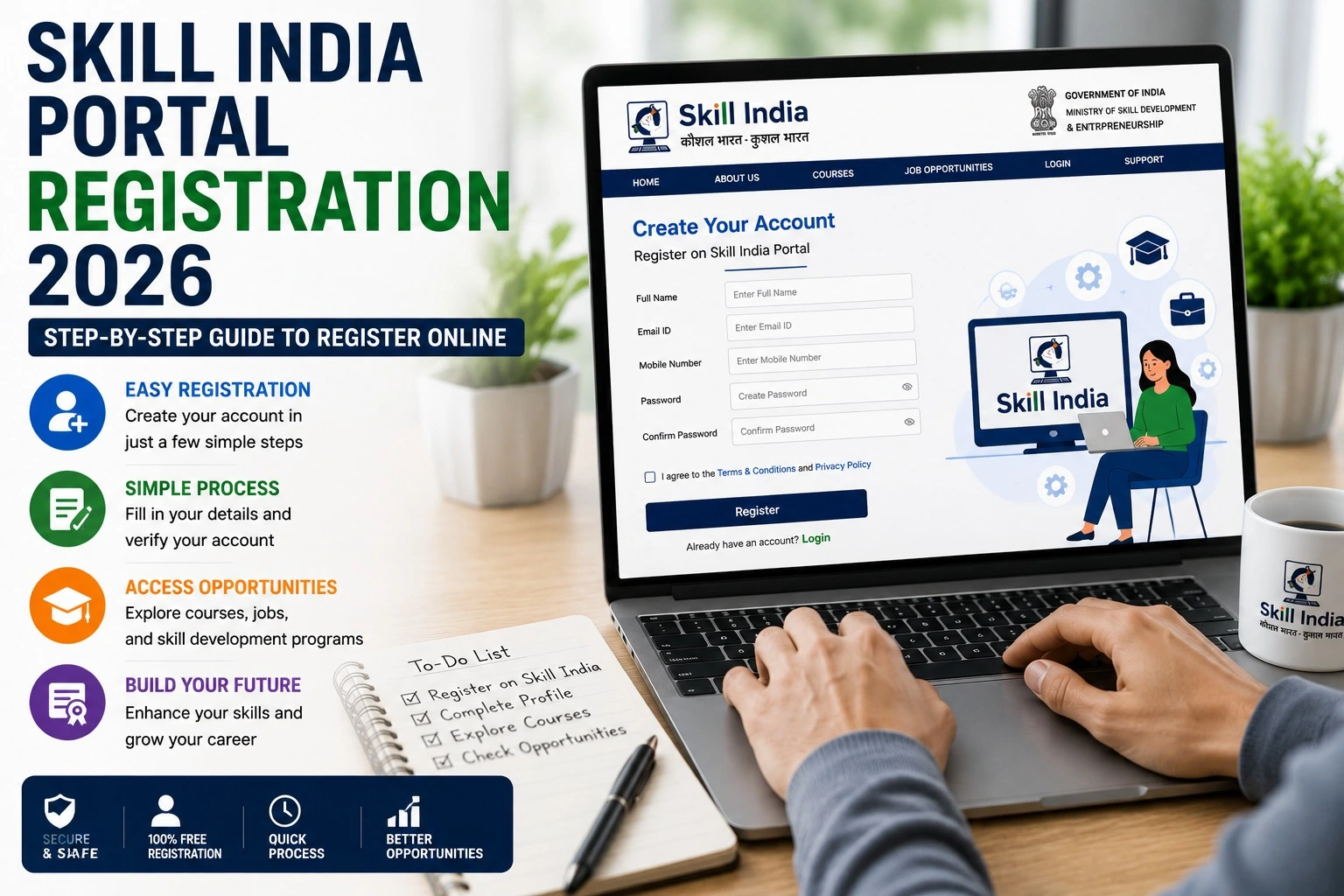
Follow these general steps to create and access your Skill India account:
Step 1: Visit the Official Skill India Platform
Open the official Skill India Digital platform and use the available registration or sign-in option.
Avoid entering personal information on unofficial websites claiming to provide Skill India registration.
Step 2: Select the Registration Option
Look for the Register, Sign Up or equivalent account-creation option available on the platform.
If you already have an account, use the login option instead of creating another account.
Step 3: Enter Your Details
Provide the information requested on the registration form. Enter your name and other details carefully because incorrect information can create problems later when using courses, training or certification-related services.
Step 4: Verify Your Account
Complete the verification process shown by the portal. Depending on the current registration flow, this may involve mobile or other account verification.
Step 5: Complete Your Profile
After registration, log in and complete the profile information available to you. Adding accurate education, location and other relevant details can help you find suitable opportunities.
Step 6: Explore Skill Courses
Once your account is ready, browse available courses and select a programme that matches your interests and eligibility.
The official Skill India Digital course portal provides a course-search facility where learners can explore available courses.
Skill India Portal Login
After completing registration, users can access their account using the official login facility.
The general process is:
- Open the official Skill India Digital platform.
- Select Login/Sign In.
- Enter the requested account details.
- Complete verification if prompted.
- Access your profile and available services.
If you forget your login information, use the recovery option provided on the official portal rather than creating multiple accounts.
What Can You Do After Skill India Registration?
After creating an account, the opportunities available to you depend on your profile and the programmes currently offered. The Skill India Digital ecosystem covers areas such as:
- Skill courses
- Training programmes
- Certifications
- Skill centres
- Jobs
- Apprenticeships
- Career-oriented learning opportunities
The official platform describes its services as including relevant skill courses, certification, skill centres, jobs and apprenticeships.
Skill India Courses
One of the main reasons learners register on the platform is to find skill-development courses.
The official course portal allows users to search for available courses. Course availability, eligibility, duration, assessment requirements and certification conditions can vary from one programme to another.
Before enrolling, check:
- Course eligibility
- Course duration
- Training provider
- Learning format
- Assessment requirements
- Certification details
- Any applicable fees
Important Tips for Skill India Registration
Keep these points in mind while registering:
Use the official website: Always verify that you are using an official Skill India Digital platform.
Enter accurate information: Your name and other personal details should be entered correctly.
Keep your registered mobile number active: It may be required for account verification and communication.
Complete your profile: A complete profile can make it easier to use relevant services.
Check course requirements: Registration does not automatically mean that you are eligible for every course.
Do not share OTPs: Never share OTPs, passwords or other account-security information with another person.
Skill India Portal Registration – Common Problems
Sometimes users may experience difficulties while registering or logging in. Common issues include:
- OTP not received
- Incorrect mobile number
- Login problems
- Website loading issues
- Incomplete profile
- Course enrollment problems
- Verification errors
If you experience an issue, first check your internet connection and the information entered. You can also try again later if the portal is temporarily unavailable.
For course-specific issues, check the relevant course or training provider information because requirements can differ.
Frequently Asked Questions
Is Skill India Portal Registration free?
Registration itself should be checked against the current official portal instructions. Some individual courses or programmes may have their own conditions or fees, so always check the specific programme before enrolling.
Who can register on Skill India Digital?
Students, job seekers, workers and other learners can use the platform to explore relevant skilling opportunities. Eligibility for individual programmes may vary.
Can I find courses after registration?
Yes. The Skill India Digital course portal provides a searchable catalogue of courses.
Can I use Skill India for jobs and apprenticeships?
The Skill India Digital platform is designed to provide access to career-focused opportunities, including jobs and apprenticeships.
Is Skill India Portal the same as Skill India Digital?
The terms are often used interchangeably in searches, but the current government digital platform is Skill India Digital. When searching for registration, login or courses, users should verify that they are accessing the official platform.
Final Words
Skill India Portal Registration 2026 can help learners access India’s digital skilling ecosystem and explore courses, training, certifications, jobs and apprenticeship opportunities. The registration process is designed to create an account and profile through which users can access relevant services.
For the safest experience, use the official Skill India Digital platform, enter accurate information and carefully check the eligibility and requirements of each course or programme before applying.
Official Skill India Digital platform: Skill India Digital